Upload file*
With an upload file question you let the participants hand in a piece of work as a file. The participants upload one or more files as their answer.
In the test editor, owners of the test, administrators and learning resource managers add the question under Test > Administration > Test editor > Add elements > Upload file. In the question bank you choose the type under Question bank > My questions > Create question in the "Type" field.
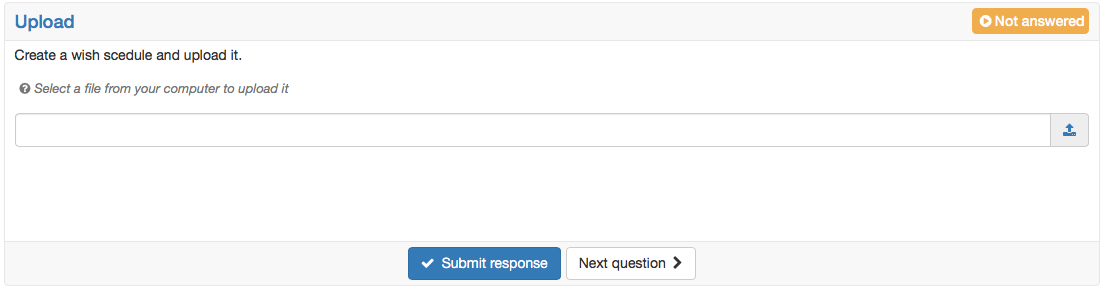
Enter a short title under "Title" and the question under "Question". Under "Number of upload fields" you define how many files the participants upload at most. You can choose from 1 to 10 upload fields.
You do not mark a correct answer for this question type, because you correct the uploaded files by hand after submission. The * in the name of the question type indicates this.
Coaches and owners of the course correct the answers in the course element Test with the correction tool, correctors via the correction workflow. Who corrects and when the participants see their assessment is defined in the course element Test with the setting Correction. You define the highest score to be awarded in the correction in the Score tab under "Max. score".
Further information
Question Bank: Create Questions >
Assessing tests >
Test: Correction workflow >
Set up a test >
Question types >
Configure test questions >
Test editor >