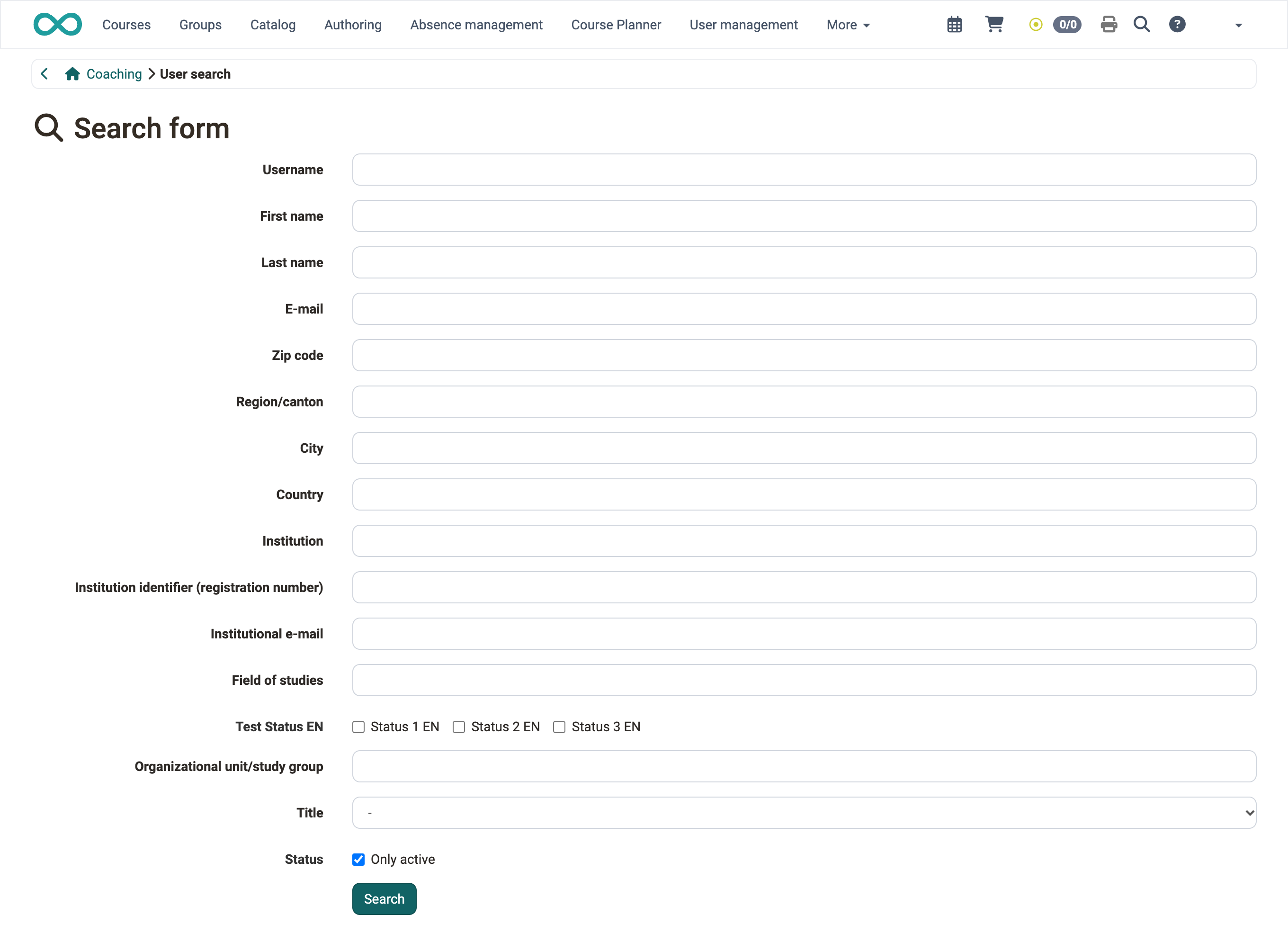
Coaching - User search
As a coach, you find every person you coach with the search field on the entry page of Coaching and open their courses from there.
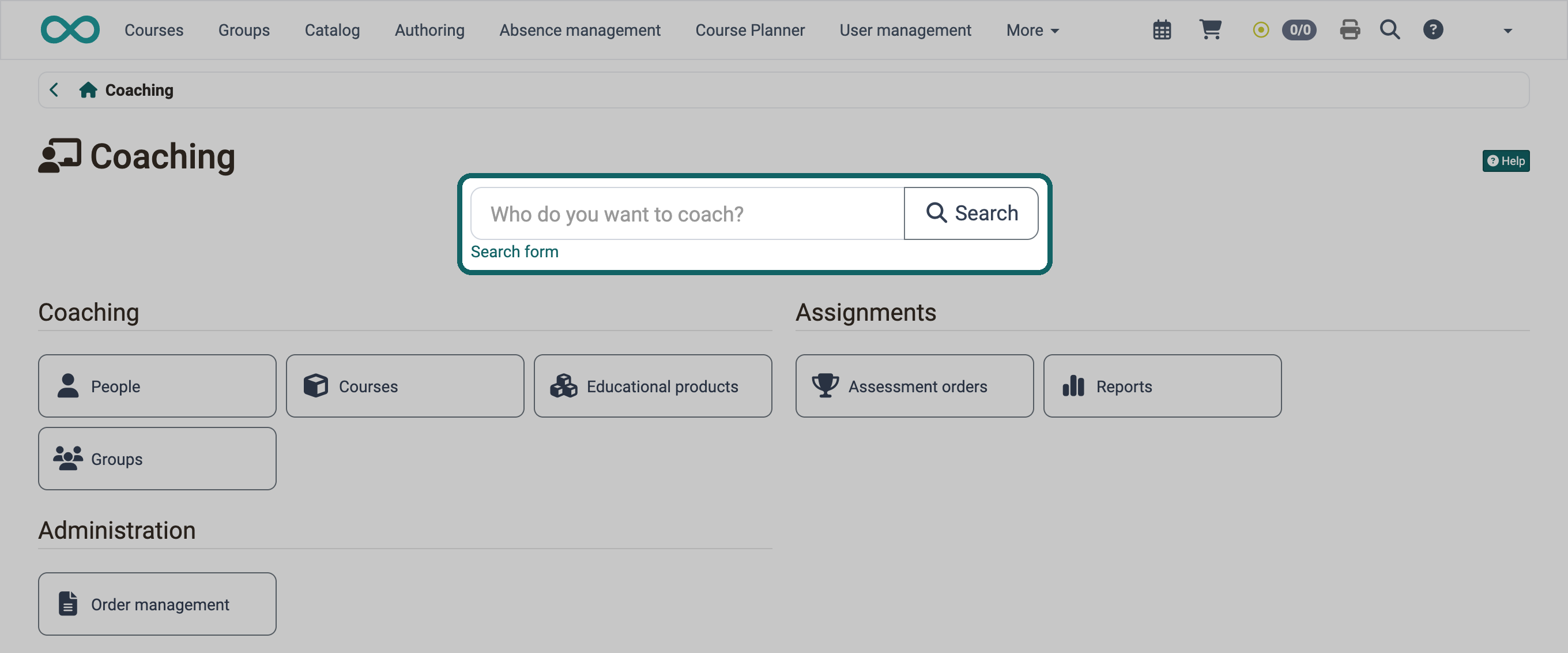
Enter a name or a part of it. Separate several search terms with a space or a comma; a person appears when all terms apply to them. The asterisk * stands for any number of characters, for example Mei* for all names beginning with "Mei". The asterisk behaves in the same way as in the course search in Coaching .
Tip
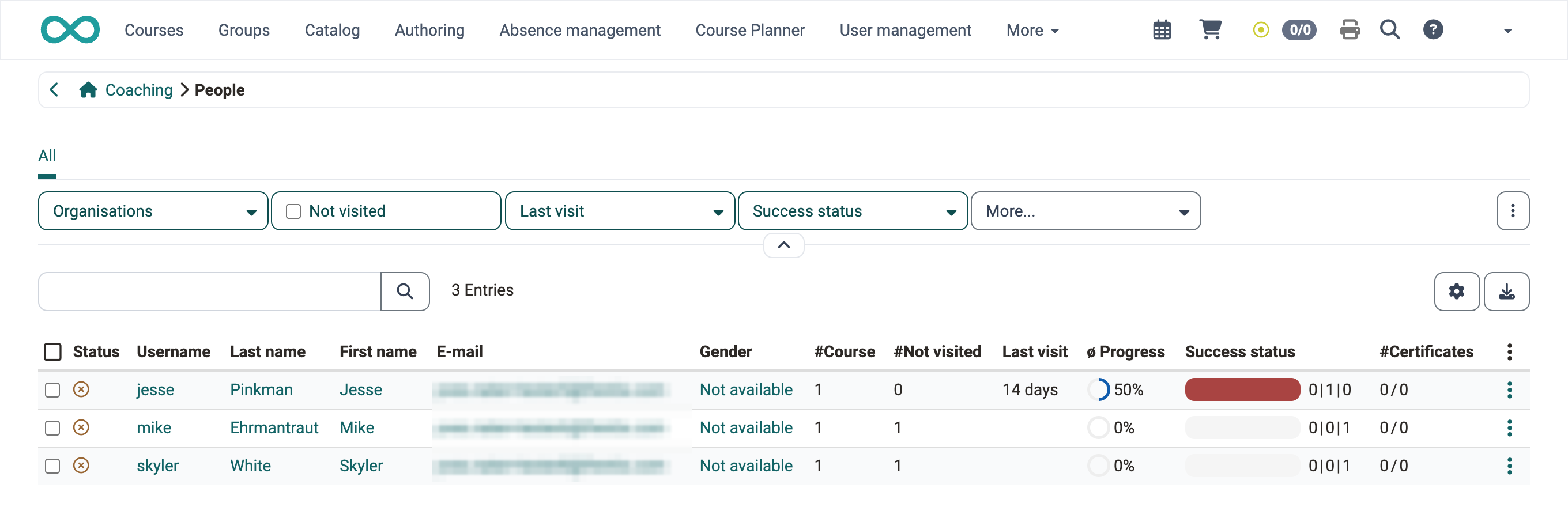
If you click "Search" without entering a name, you get the list of all people you coach. Above the list, you narrow it down with the filters "Organisations", "Not visited", "Last visit" and "Success status"; you add the filter "Certificates" with "More...". The filter "Organisations" only exists when your instance uses organisations.
Only administrators, learning resource managers and principals see the "Search form" link. Use the search form to search by username and further account details; the asterisk * also stands for any number of characters in its fields.