Course Element "Edubase"
Profile
| Name | Edubase |
|---|---|
| Icon |  |
| Available since | |
| Functional group | Knowledge transfer |
| Purpose | Display of e-books from Edubase |
| Assessable | no |
| Specialty / Note |
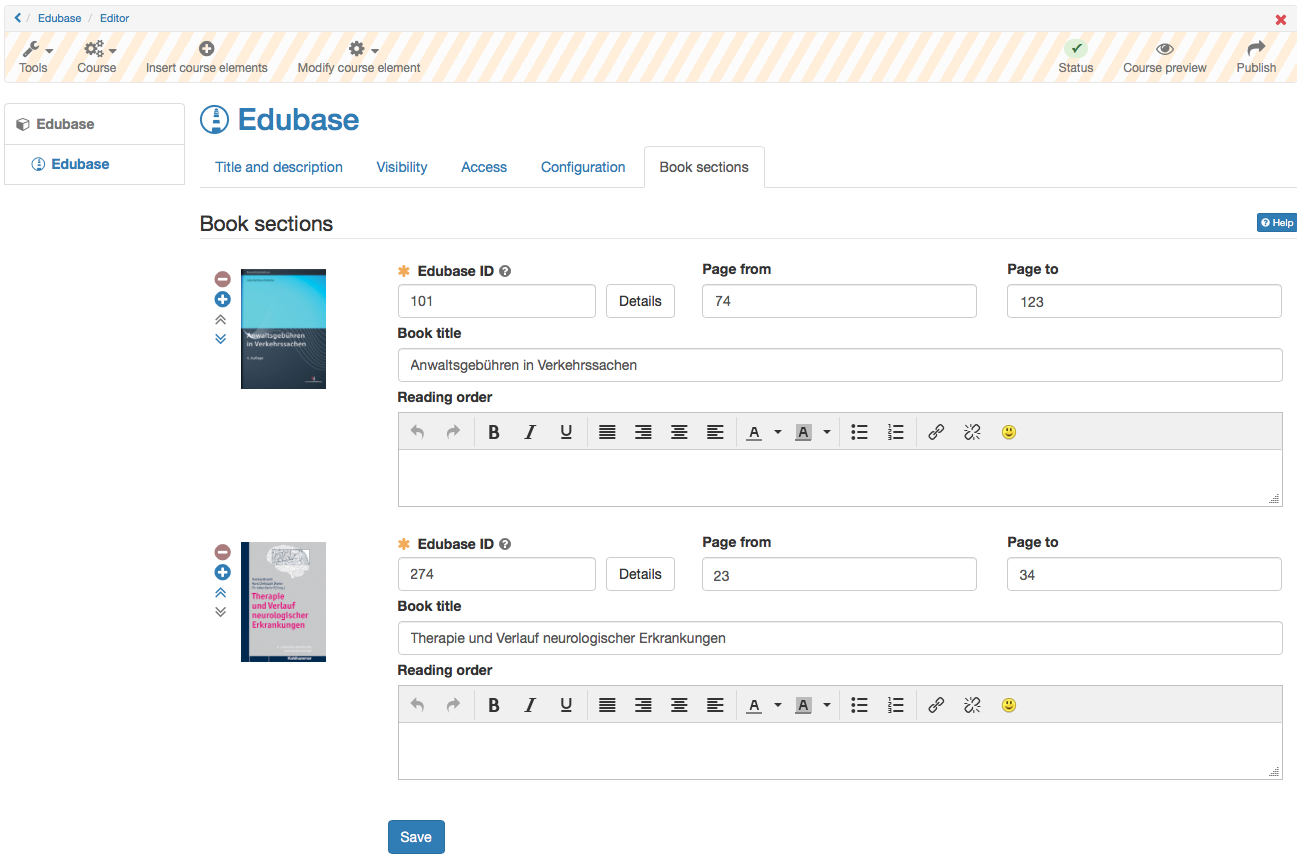
This course element allows you to link to e-books from Edubase. The e-books can then be opened in OpenOlat.
A prerequisite for using this course element is an Edubase account, plus the allowance to use a specific e-book. Clients of frentix please contact edubase@frentix.com. Non-clients please contact Edubase directly.
Important
The course element must first be activated and configured in the system administration under Administration > External tools > Edubase/Edubook, and authorization keys for the eBooks are also required. As soon as the pre-settings are done, the course element can be added to a course. By using the editor, you can define specific reading orders for participants for an embedded e-book.
If the option Multi-User-PAK is activated there, you can also activate it in the course element and enter several activation codes (PAK) with concurrent read rights . Participants open an embedded e-book in a separate window .