User tools: Portfolio
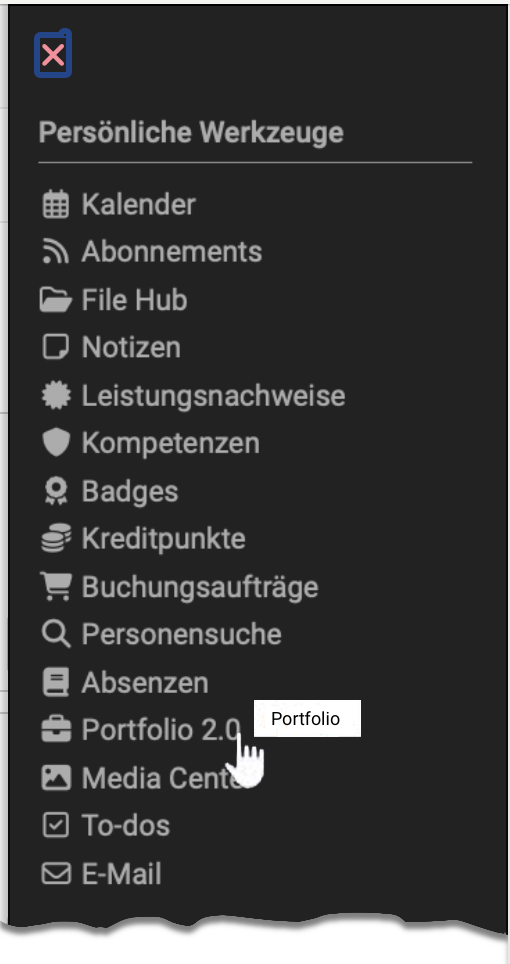

A portfolio serves to collect and document (learning) artifacts, learning outcomes and learning processes as well as to promote reflection on one's own development process.
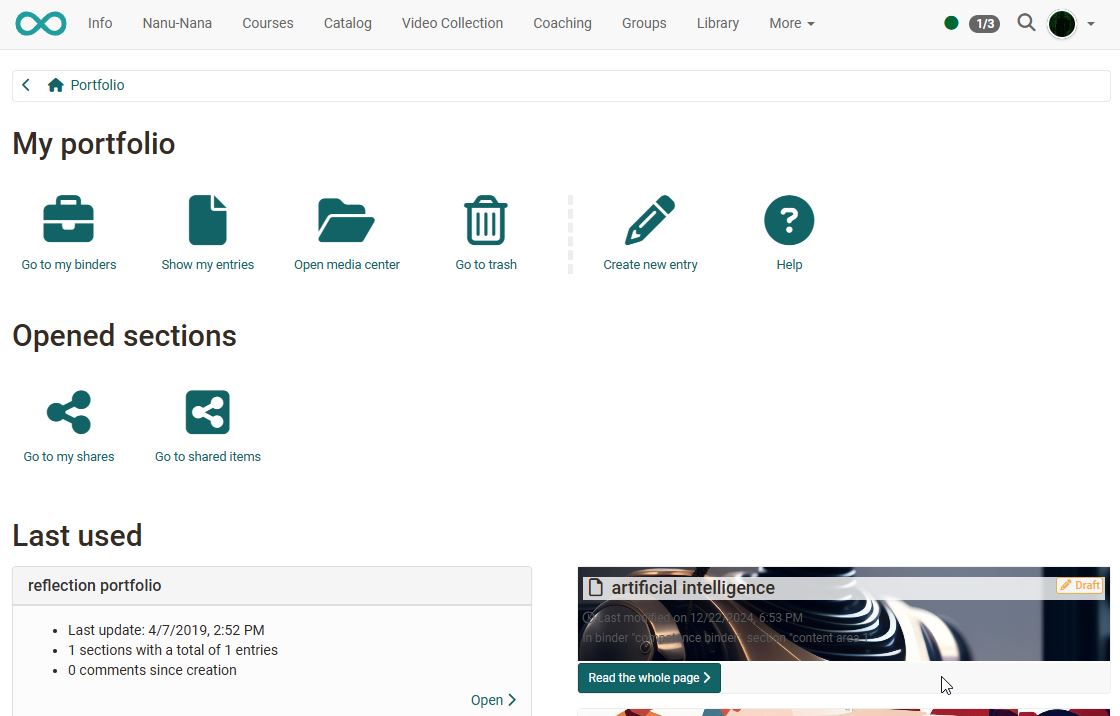
Learning products can be collected here and, if required, be made accessible to specific persons. Under the menu item "Portfolio 2.0", you can create portfolio binders, make them accessible to specific persons (OpenOlat users as well as external persons), view the binders of other users, and edit portfolio tasks that teachers have provided as part of an OpenOlat course.
Further information
General information about the portfolio >
Shared by me >
Shared with me >
Portfolio tasks in courses >
Portfolio overview for creating >
Components of the portfolio >
Process of an assessment portfolio >