Payment modules: Overview
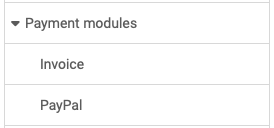
System administrators configure the payment modules in the system administration under:
Administration > Payment modules
The following payment modules are available:
Invoice
If an OpenOlat product is offered, it can be ordered by invoice.
See the details >
To the top of the page ^
PayPal
In the PayPal section, PayPal is enabled. Configure the PayPal API authorization for PayPal access with the Client ID and Client Secret elements. You must first create these two security elements in your PayPal business account. OpenOlat does not support subsequent changes to orders from your PayPal account.
See the details >
To the top of the page ^
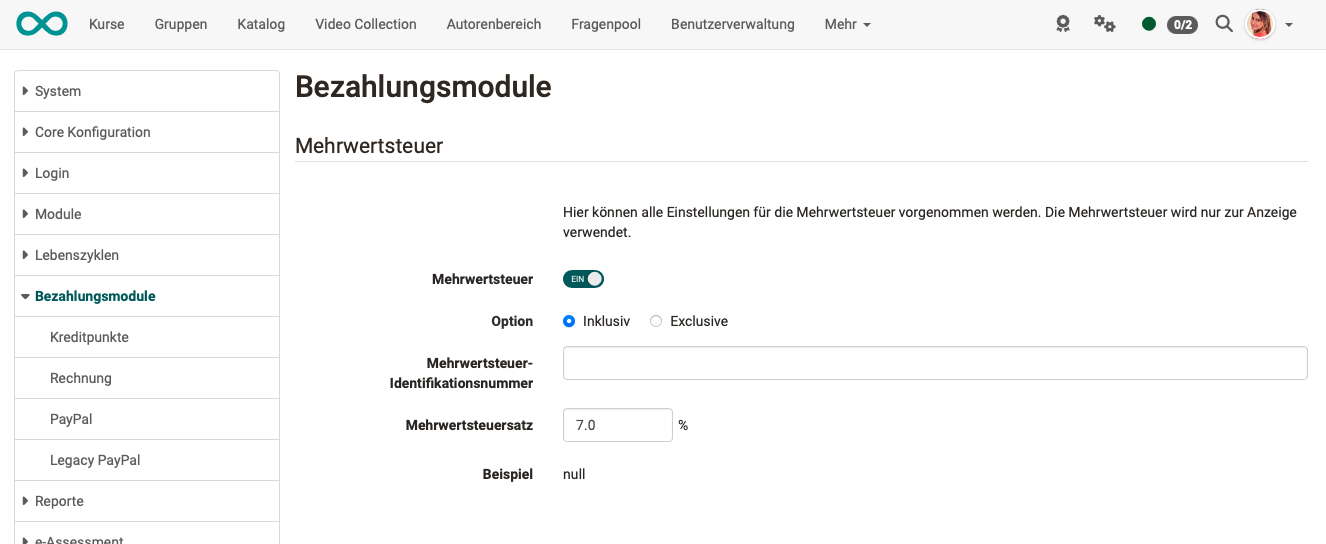
Information concerning all payment methods: VAT
On the payment modules overview page, you enter information relating to all payment methods. In particular, this includes information on value added tax.