Module Contact Tracing
With this module, OpenOlat supports contact tracing at the physical locations of an institution.
Wikipedia: " In public health, contact tracing is the process of identifying persons who may have come into contact with an infected person ("contacts") and subsequent collection of further information about these contacts. "
Overview and practical use
The Contact Tracing module works with the following five steps:
- Capturing the locations (manually or via import)
- Generation of QR codes for placement at the locations
- Registration of existing OpenOlat users or guests at the locations
- Sending an email confirmation after registration
- Export of the data in case of an official request
The data is stored in OpenOlat in accordance with data protection regulations and is automatically deleted after the time period defined by you.
OOacademy Video (Contact Tracing in Practice, German)
Activation of the module
The "Contact Tracing" module is accessible for System Administrators:
Administration > Modules > Contact Tracing
In the "Configuration" tab, you activate the module and set a retention period and a default retention period. Here you also configure the optional and mandatory fields of the questionnaire as well as additional texts and messages.
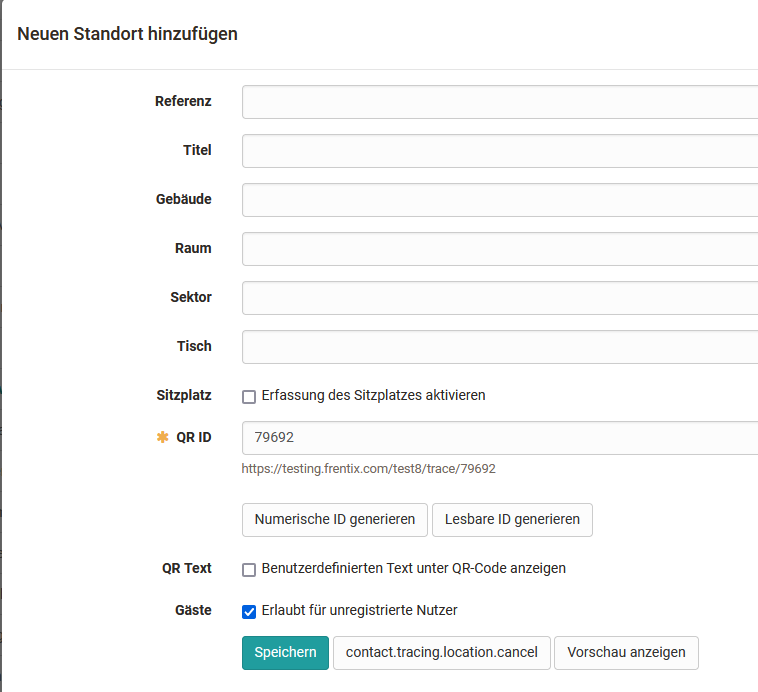
Locations can be imported or added in the "Locations" tab.