Projects: Overview
What is the project tool for?
The project tool integrated in OpenOlat is primarily a tool for project documentation (not for project planning).
Where can I find projects in OpenOlat?
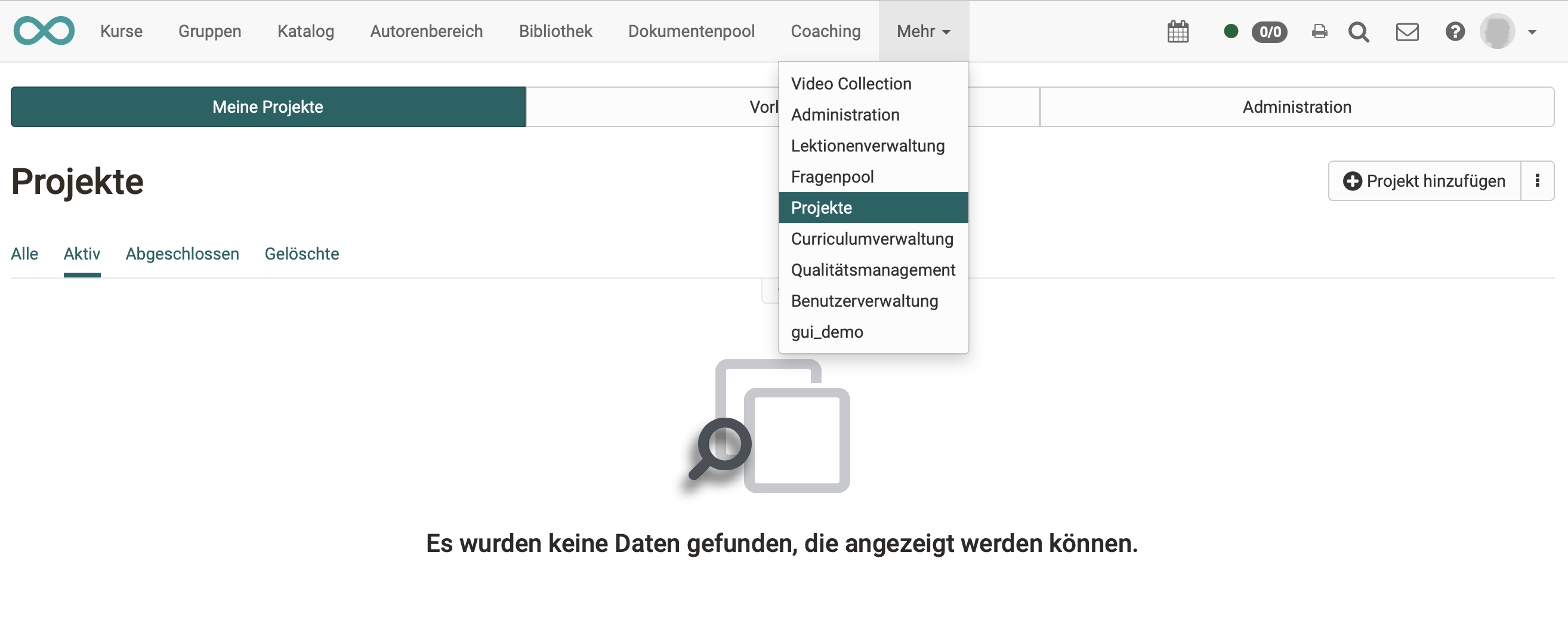
Users can find the projects in the main navigation.
Important
The menu entry can also be in a different location. If many entries are displayed in the main navigation, "Projects" may also be included under "More" on the far right.
Important
If a project is deleted, it can no longer be edited. However, it is still available under Projects > Tab "My projects" > Tab "Deleted". You still have read access from there. You can also download the report or reopen the project.
Which projects can be mapped in OpenOlat?
Examples:
- Projects of a learning group
- lengthy individual works (e.g. Diploma thesis)
- Project weeks at schools
- Learning diary as a project
- …
What are the main functions/components of a project?
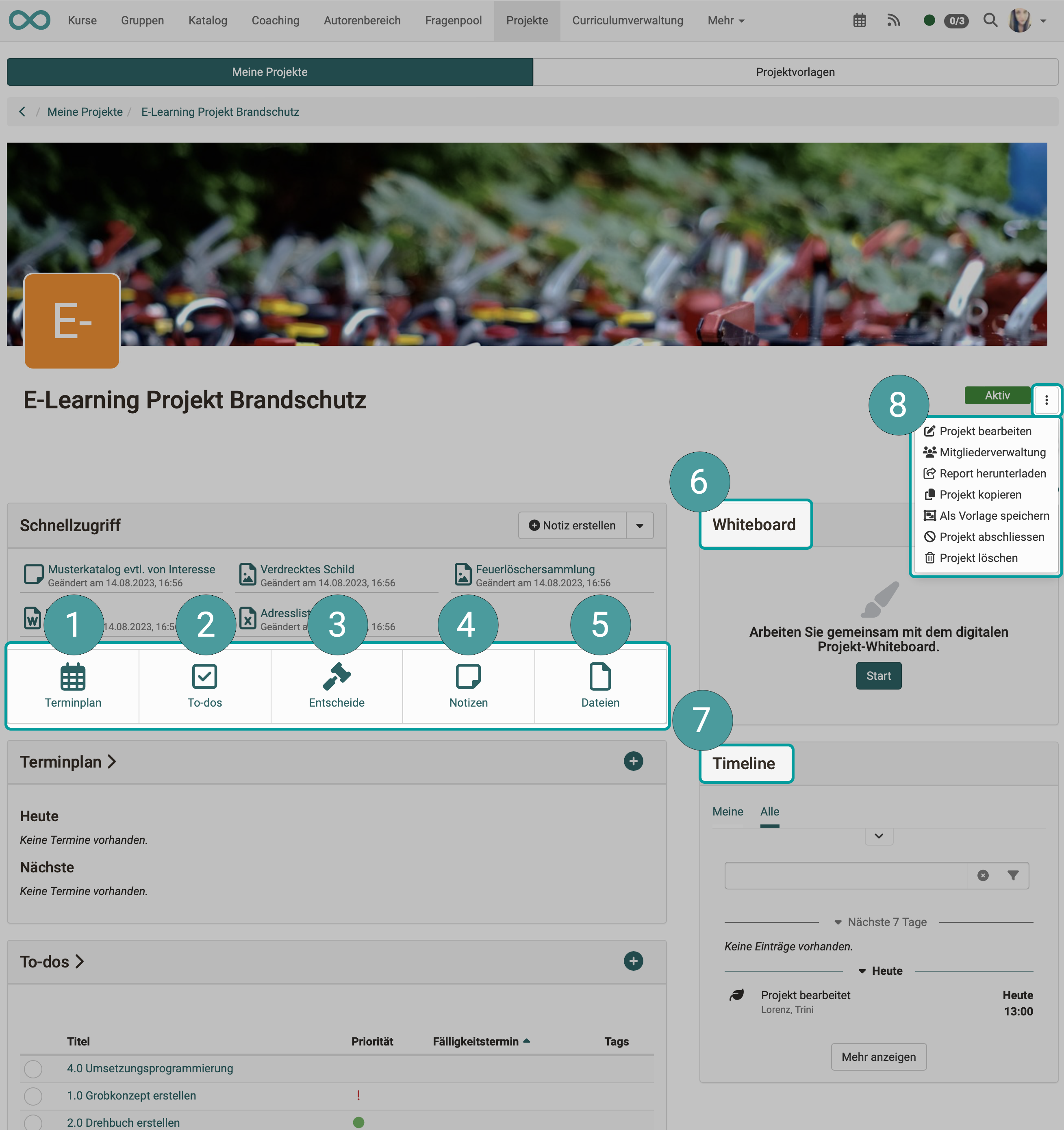
After opening a project, the main functions are displayed in the cockpit:
- Appointments and milestones
- To-dos
- Decisions
- Notes
- Files
- Whiteboard (draw.io)
- Timeline
- Administration functions
Activation of the module "Projects"
For the projects to be available in the main navigation, the module must have been activated by an administrator. Further information can be found here.