Quality Management: Suggestion for improvement
If the quality management is switched on, OpenOlat users normally see the entry "Quality management" at the top of the main navigation. Participants find "My surveys" and "Suggestions for improvement" there, quality managers find further options.

Note
The option for suggestions for improvement can also be deactivated by administrators. Participants then go directly to "My surveys" when they click on "Quality management" in the main navigation (without an intermediate step).
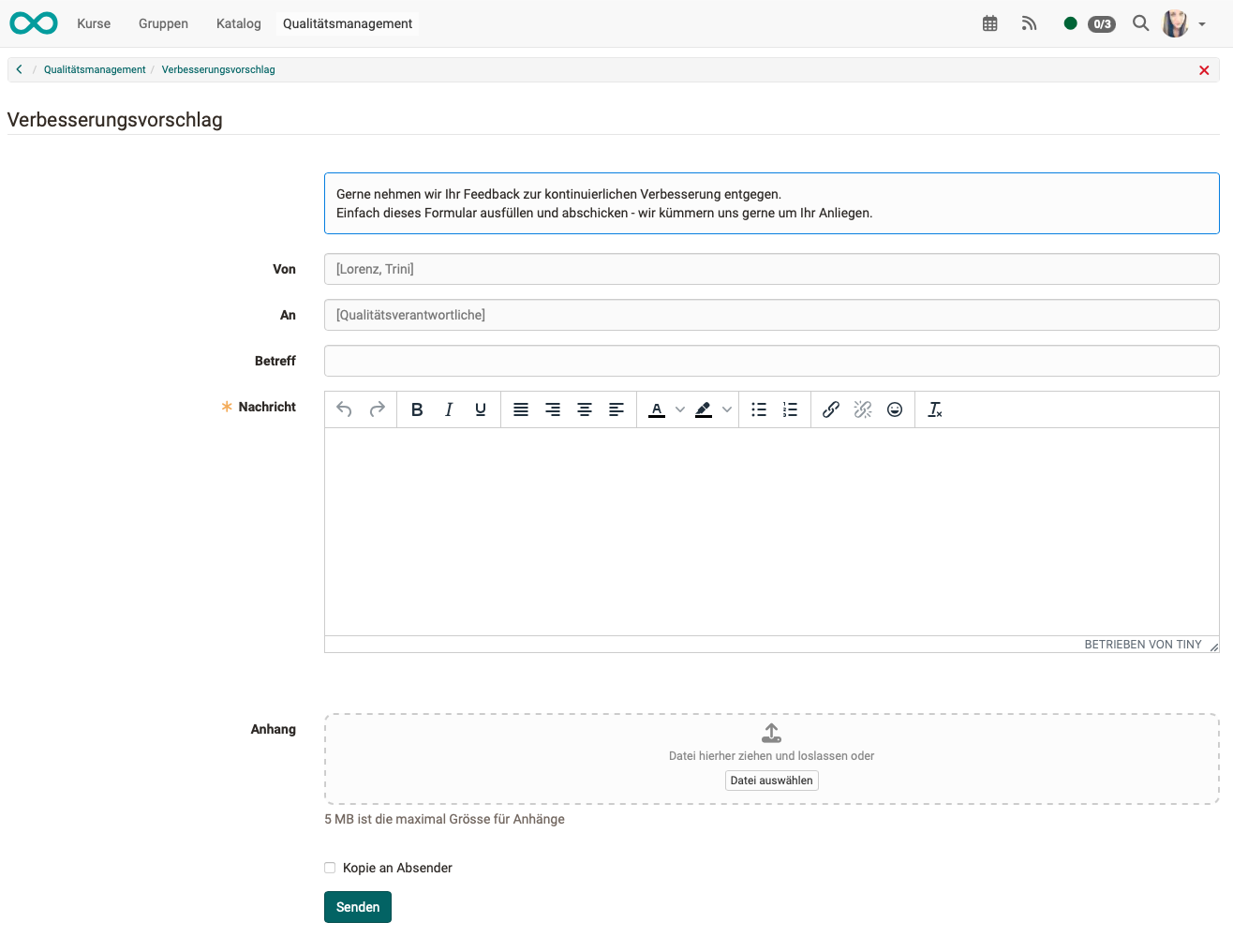
Calling up "Suggestion for improvement" opens a mail window in which text can be entered freely. Administrators preconfigure the recipient address (quality officers) in the system administration:
Administration > Modules > Quality management