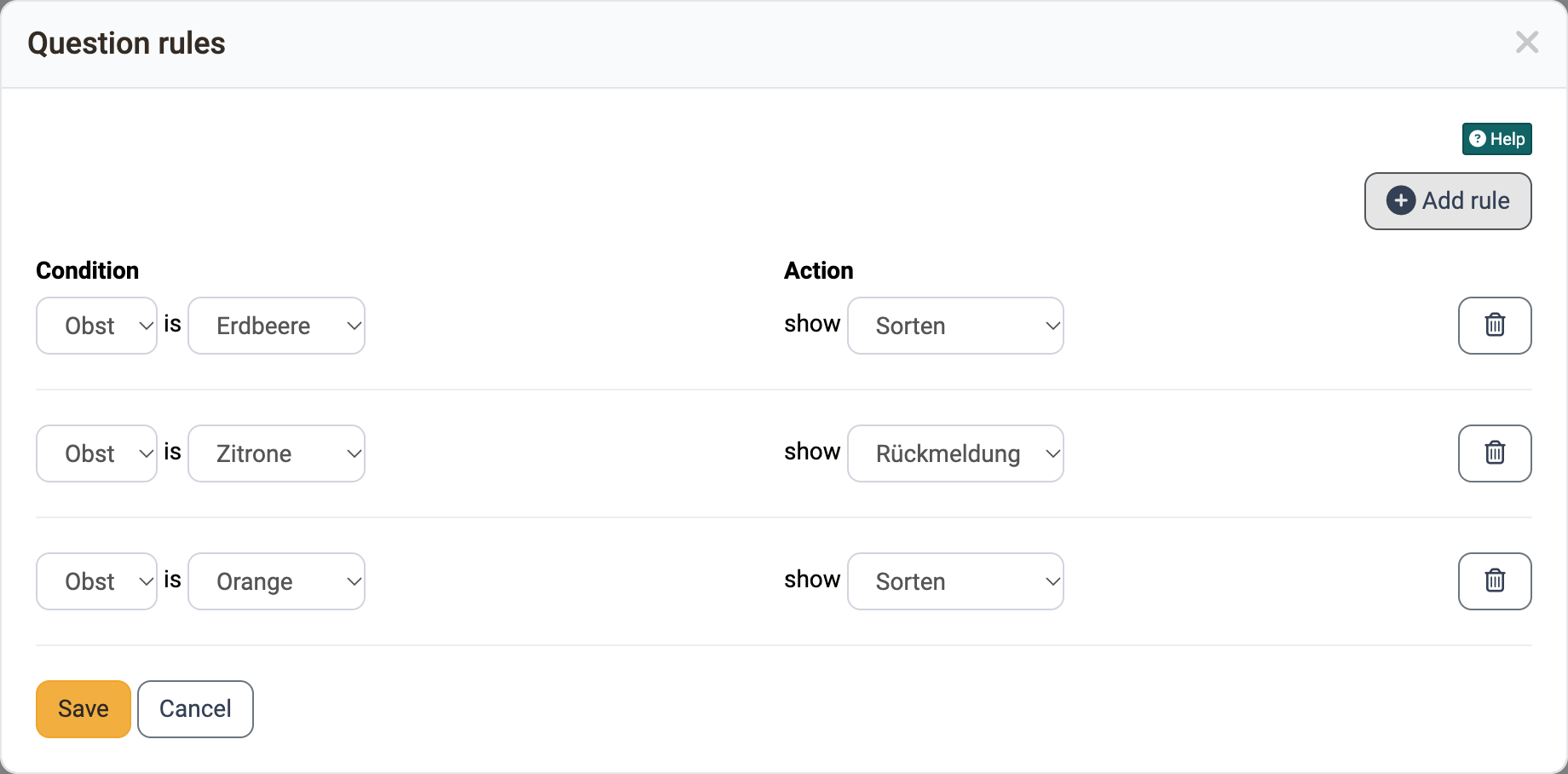
Question rules in forms
With question rules, a form shows an area only if it matches the answer: a container with its elements appears only once the person has selected a certain answer in a single or multiple choice.
With several rules, you build different question strands in a form.
Creation of a rule
First decide which areas are to appear for which answer. Then implement this with question rules.
Requirements
For a question rule, the form needs:
- a multiple choice or single choice with at least one answer
- a container with content that does not contain the single or multiple choice of the condition
If a requirement is missing, OpenOlat shows a warning in the "Question rules" dialog, and you cannot create a rule.
Assign suitable names
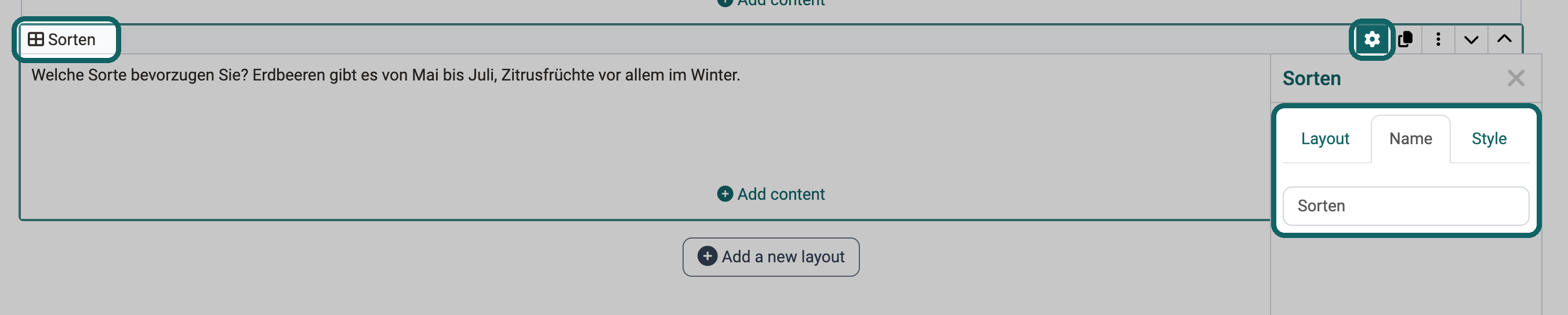
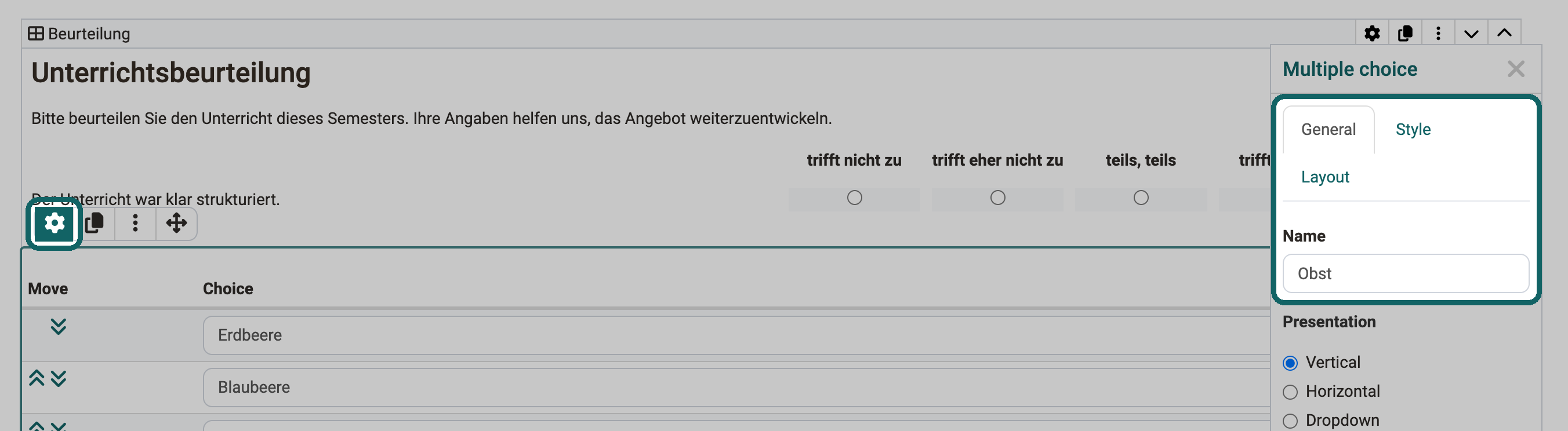
In a question rule, you select containers and choice elements by their name. Therefore, give every container and every single or multiple choice that you need for a rule a meaningful name. You enter the name in the inspector, which the cogwheel symbol of the element opens.
Enter the name for a container here:
To enter the name for a single or multiple choice:
Store question rules in the menu
You open the question rules in the form editor via the "Question rules" symbol to the right of the "Administration" menu:
Form > Administration > Form editor > Question rules

The "Question rules" dialog opens. There, you create new rules with "Add rule" and see all existing rules.
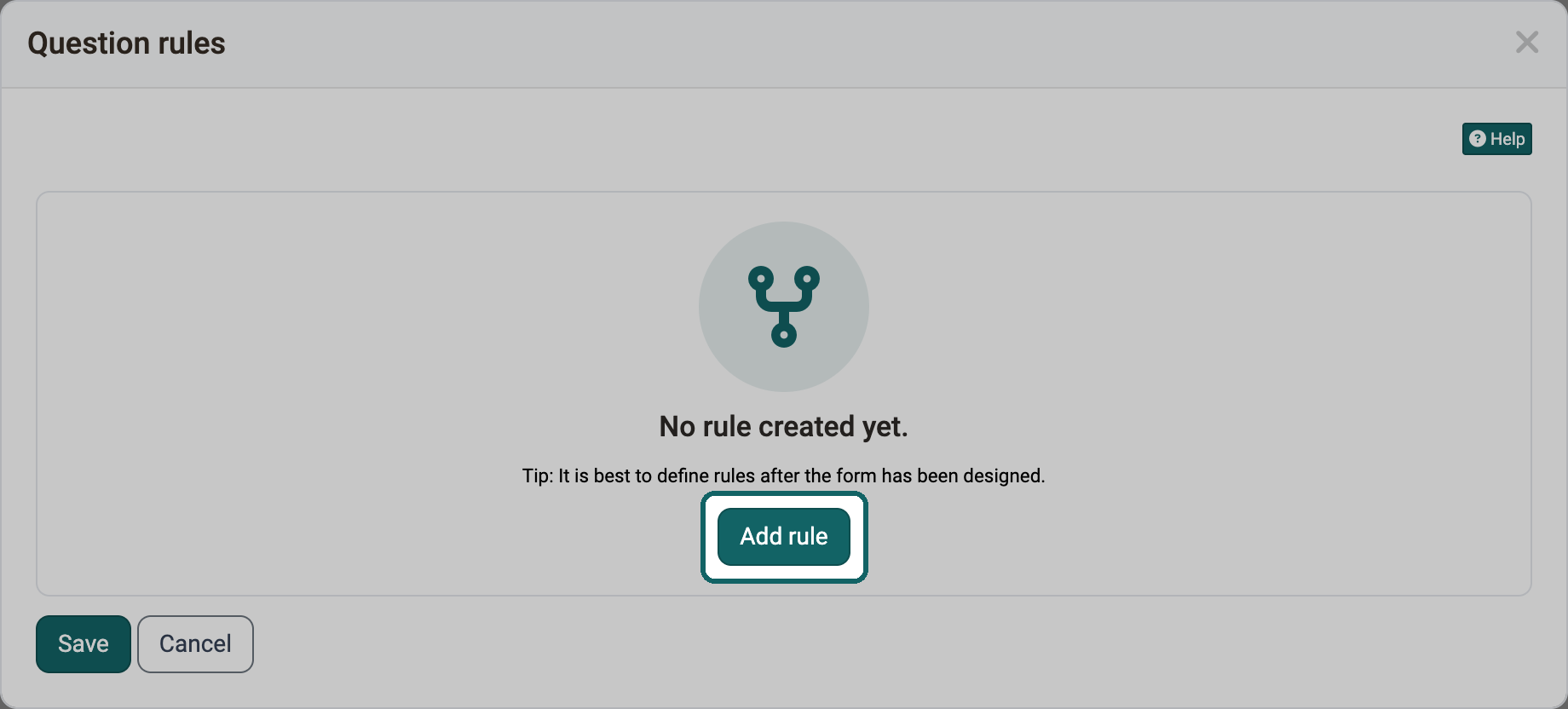
A question rule consists of a condition and an action. The condition is an answer of a single or multiple choice. The action shows a container, for example with further information or questions. Finally, click "Save".