User tools: Competences
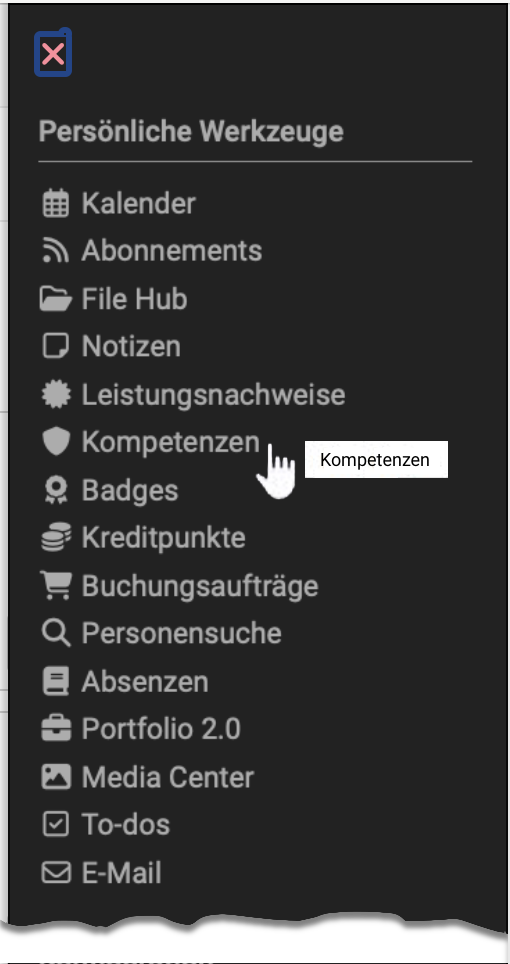

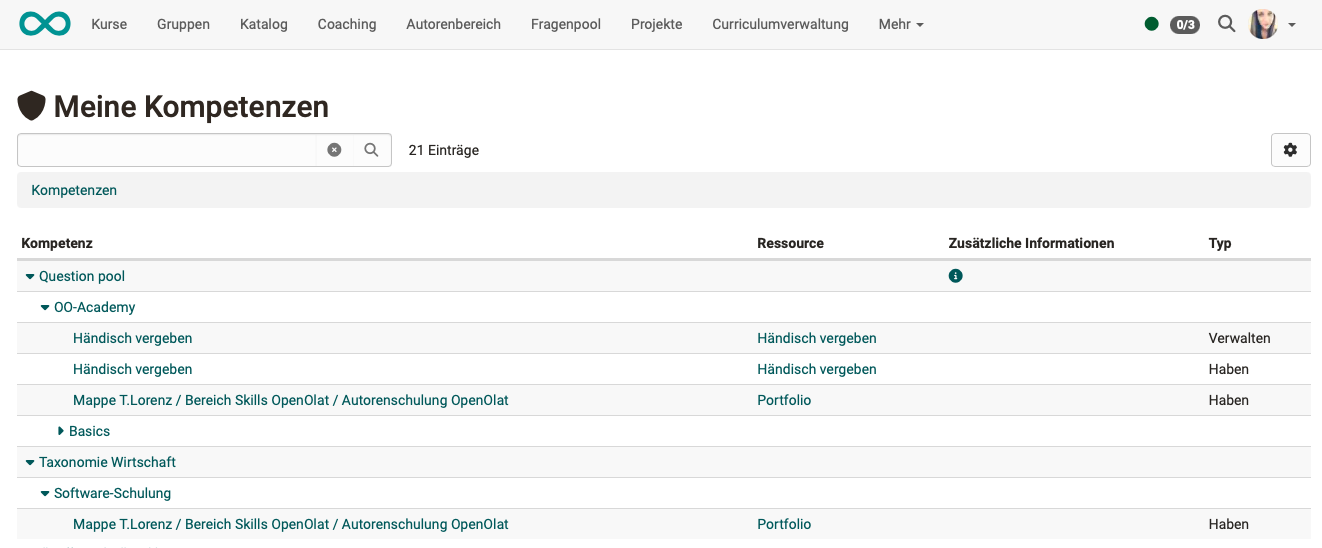
In the user tools, learners get an overview of all competences that have been assigned to them in OpenOlat.
Competences may have been assigned in ePortfolio entries, for example, or entered manually by user managers in the user profile.
Important
A prerequisite for the display of competences is the use of the module Taxonomy and the creation of taxonomy structures by OpenOlat administrators.
Where do competences play a role?
Apart from the display in the user tools, the awarding or acquisition of competences also occurs in the following contexts:
- Competences tags > (ePortfolio)
- File Hub Concept > (Document pool)
In the admin manual:
- Question bank >
- Module Taxonomy >
- REST API >
- User profile in the User management >
Further information
Competences tags >
File Hub Concept >
e-Assessment Administration: Question bank >
Module Taxonomy >
REST API >
Manage user settings >