Projects: Member Management
The project members are usually made project members by the project owner. (As a rule, project management lies with the person who creates the new project.)
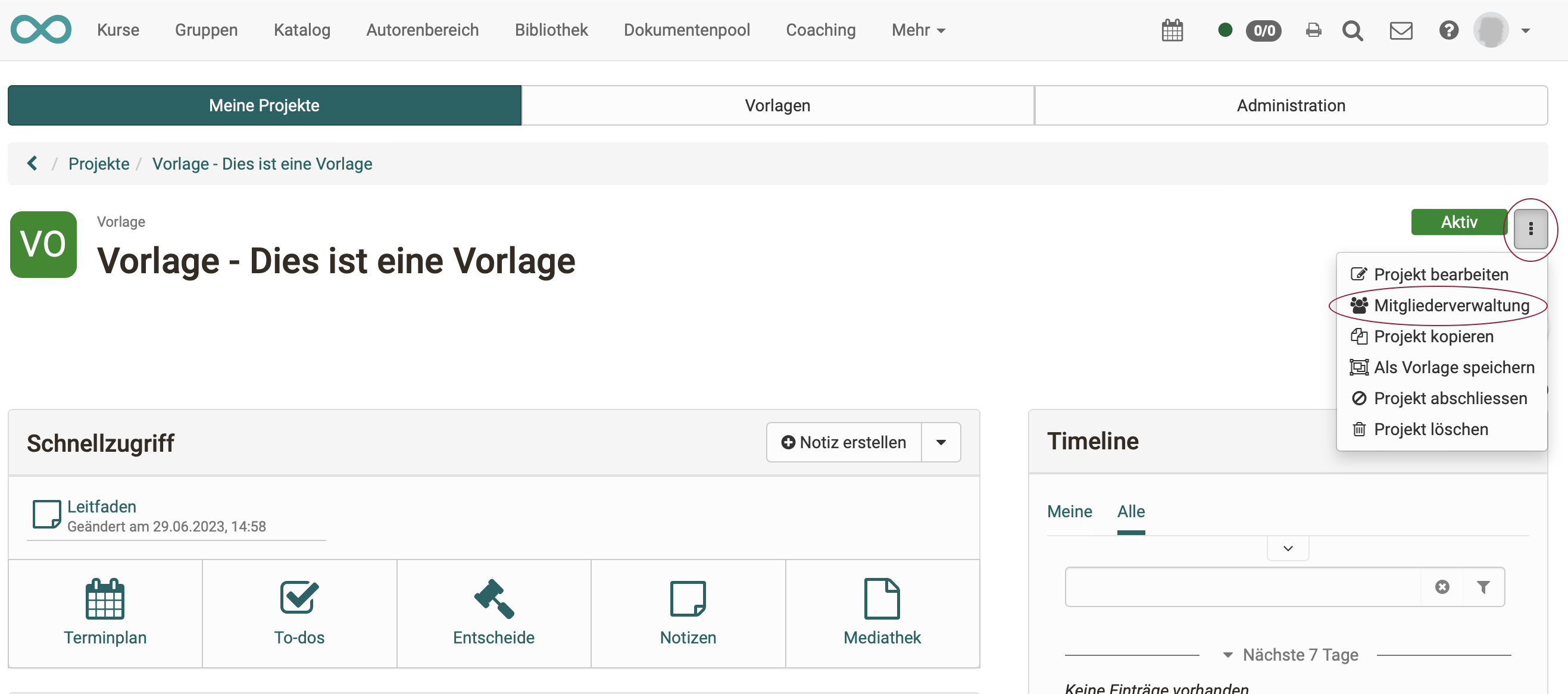
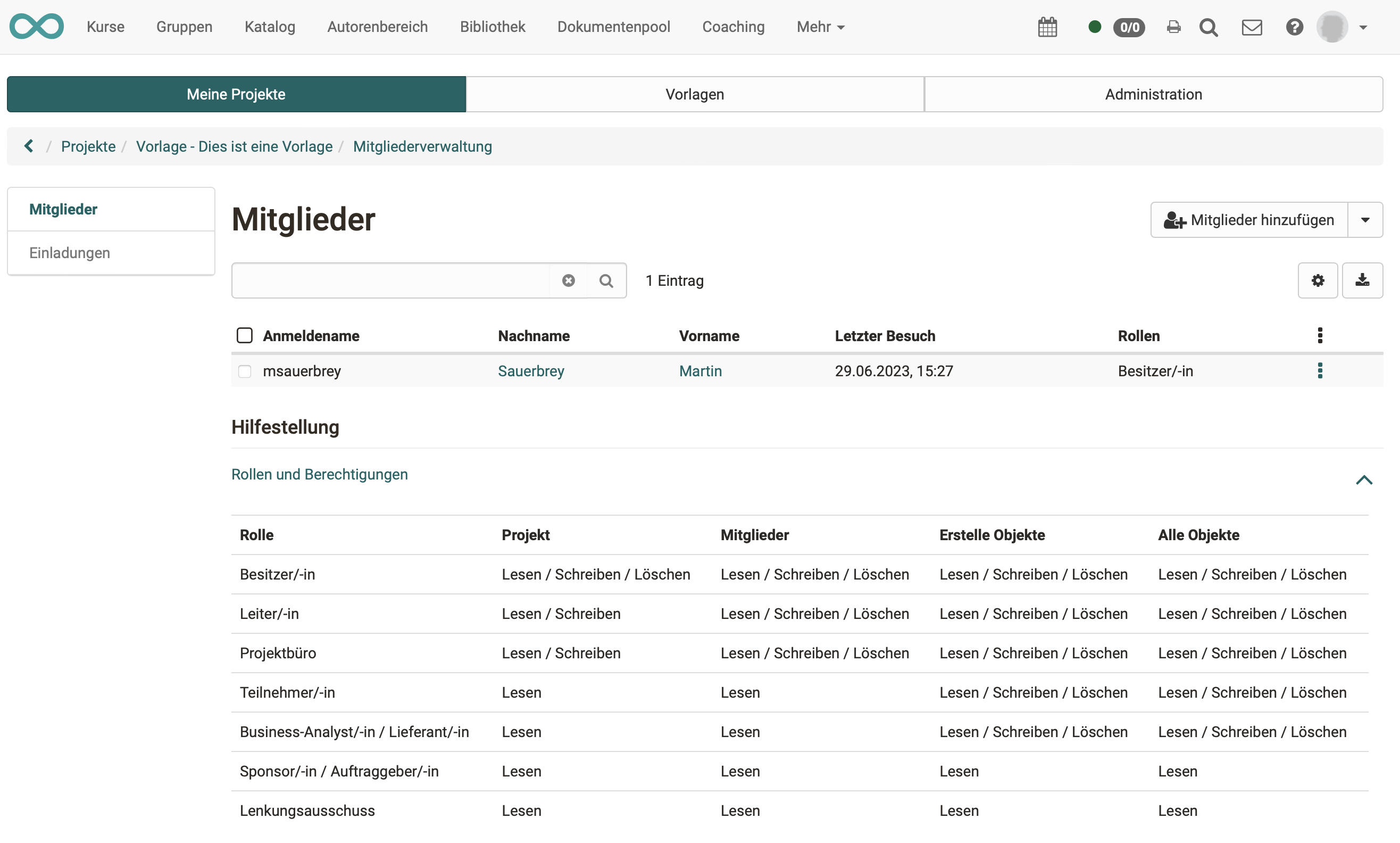
You open the members management in the project via the 3-dot menu at the top right: Projects > Tab "My projects" > Select project > 3-dot menu > "Members management".
Important
Only administrators and project managers can see the "Administration" tab in the Projects area. Project owners do not see it.
External members
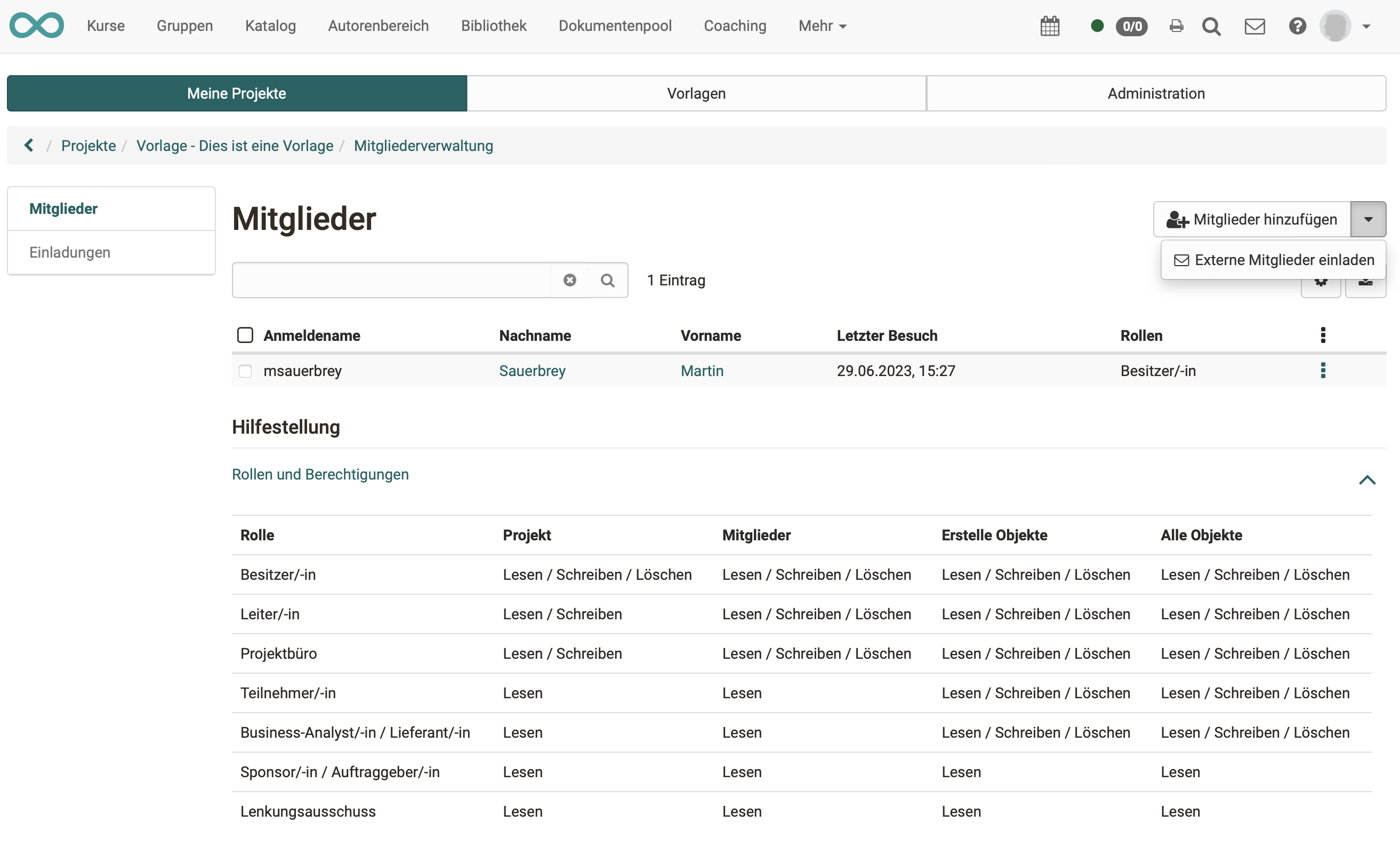
If people who are not registered as users in OpenOlat are also to work on the project, they can be invited as external members. They can then use OpenOlat for a maximum of 180 days.
As soon as a project member is registered, he or she receives a link. After calling up the link, a wizard guides the new project member through login and registration.
Important
"External member" is not an OpenOlat role. An external member can have all roles except owner (role that can be used to delete the whole project).
Roles
| Project | Objects in project | Manage members | Manage external members | |
|---|---|---|---|---|
| Owner (project owner) | create, edit, close, delete | create, edit, delete | create, edit, delete, can assign leadership role | create, edit, delete |
| Leader (project leader) | edit, close | create, edit, close, delete | create, edit, delete, can assign leadership role | create, edit, delete |
| Project office | edit, close | create, edit, delete | create, edit, delete, can assign leadership role | create, edit, delete |
| Participant (project collaborator) | read only | create, edit, delete own | ||
| Business analyst / Supplier | read only | create, edit, delete own | ||
| Sponsor / Client | read only | read only | ||
| Steering committee | read only | read only | ||
| Roles that can act across multiple projects: | ||||
| Project manager | create, edit, close, delete, tab "Administration" in the Projects area | sees no content | create, edit, delete, can assign leadership role | create, edit, delete |
| Administrator | create, edit, close, delete, tab "Administration" in the Projects area | only has insight into a project if also a member* | create, edit, delete, can assign leadership role | create, edit, delete |
*Administrators can make themselves members, but this is recorded. This way, abusive access is to be curbed.