Glossary
What is a glossary and what can it do?
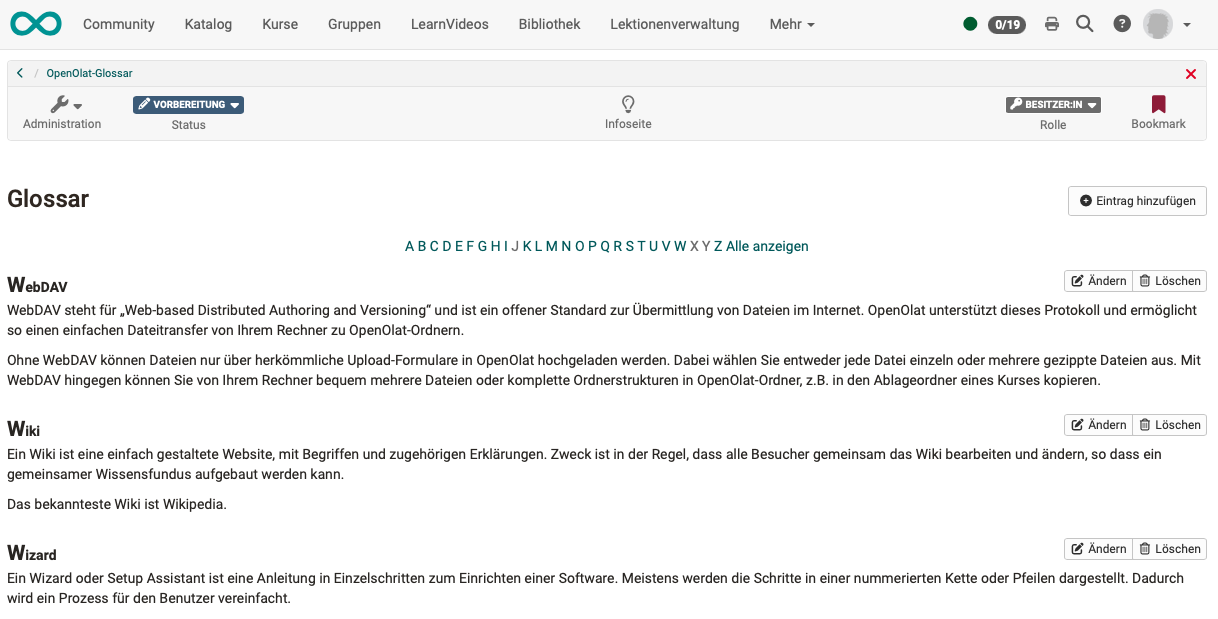
A glossary is a simple table in which various terms and their definitions can be described. The table is sorted alphabetically.
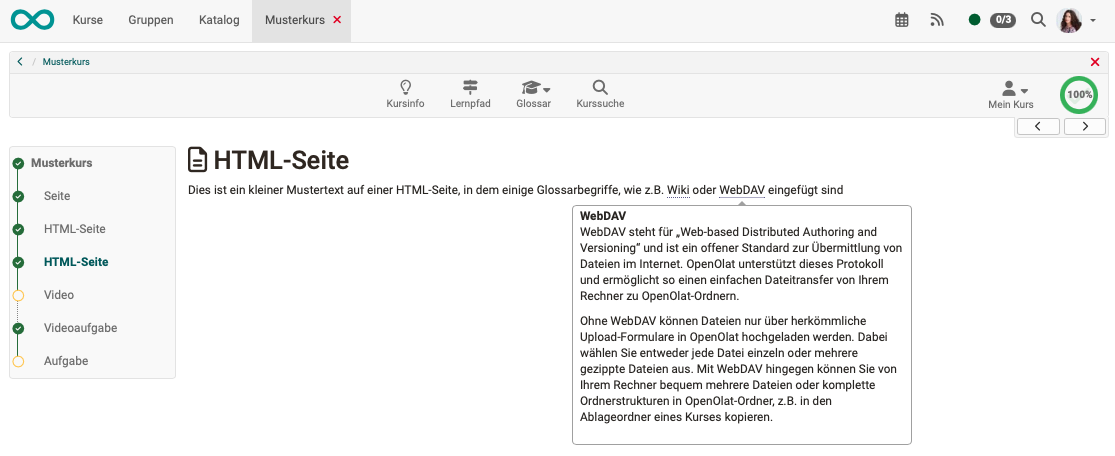
If a glossary is integrated into an OpenOlat course, the explanation of the glossary entry can be displayed directly in the HTML files of this course for the glossary terms when the mouse pointer is moved over the key term in the text.
It is possible to configure glossaries in a way that allows learners to fill it with content as well.
Technically, it counts as a learning resource in OpenOlat.