Course Element "Blog"
Profile
| Name | Blog |
|---|---|
| Icon | |
| Available since | Release 7.1 or earlier |
| Functional group | Knowledge transfer |
| Purpose | Information of participants about current topics |
| Assessable | no |
| Specialty / Note |
With the course element "Blog" you keep the participants of your course up to date on current topics, similar to a podcast. In addition to text, posts contain images or videos, and files can be attached to comments.
As an owner or coach of a course, you can, for example, keep a blog on the topic of the course and inform the participants about new aspects.
Course element and learning resource
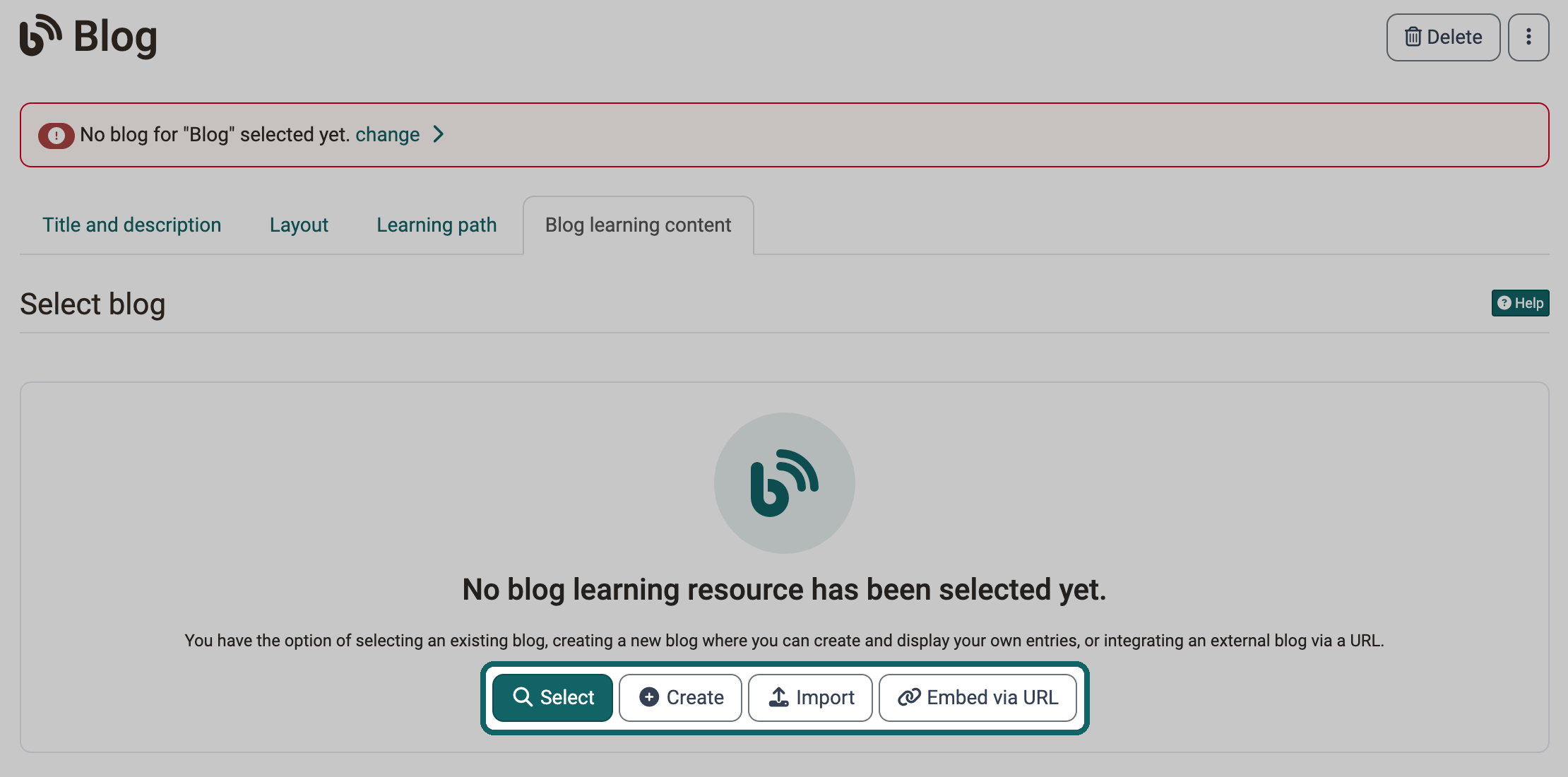
A course element "Blog" always shows a blog learning resource. After inserting the course element, you choose one of four ways in the tab "Blog learning content":
- Select: You select an existing blog learning resource from the authoring area.
- Create: You create a new blog learning resource directly in the course element. OpenOlat stores it in the authoring area, from where you can also use it in other course elements.
- Import: You import a blog that is available as a file.
- Embed via URL: You embed an external blog via its URL.
Tip
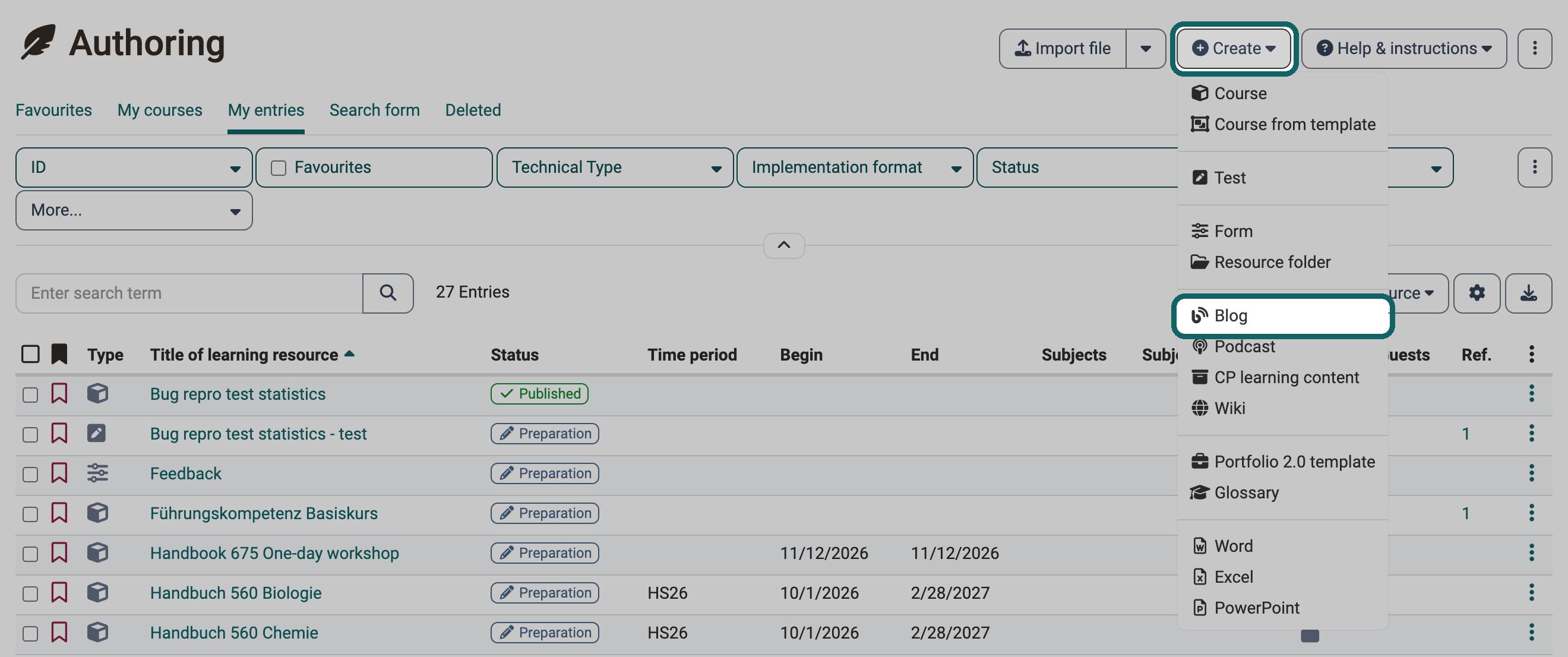
You can also create a blog learning resource in the authoring area via "Create". Afterwards, you integrate it into a course element "Blog" in the course editor.
Tip
Subscribe to the blog's RSS feed to make sure you don't miss any new entries. You can find instructions here: Set up subscriptions (video introduction, German)
Further information
Create blogs >
How do I create a blog? >
Configure blog >
Blogging >
youtube
Subscriptions (German)