Question Bank: Overview
The collaborative question bank in OpenOlat allows authors to create, save, edit and reuse test questions as independent items in a catalog-like structure.
It is a collection (database) of many individual test questions, usually in QTI format, including all associated information and metadata.
The questions can be shared with other people who also have access to the pool.
The goal is the reuse of questions that have already been created. Be it in tests, as a quiz question in an interactive video or in a course element of the "Page" type. By yourself or (if shared) by other authors.
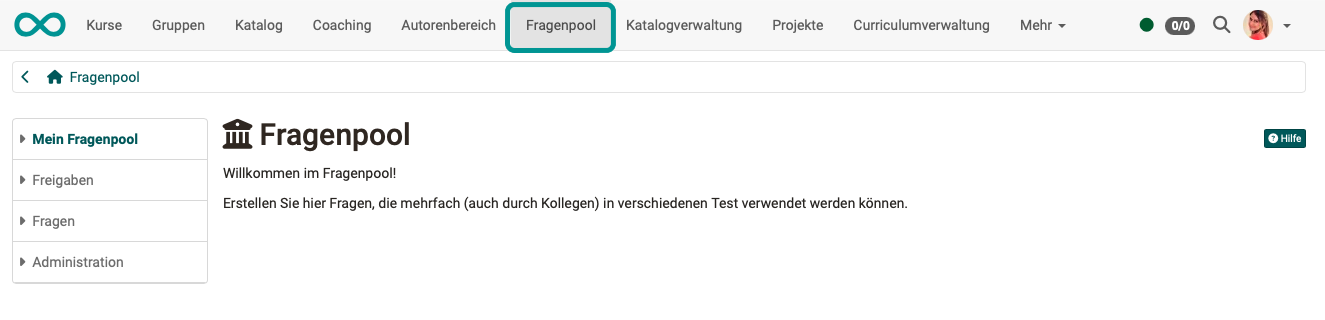
Authors, question bank managers and administrators have access to the question bank. OpenOlat shows them the question bank in the main navigation.
Profile
| Name | Question bank |
|---|---|
| Available since | Release 9.0 (OO-533) |
Quick Links
The menu of the question bank is divided into the following areas:
My question bank
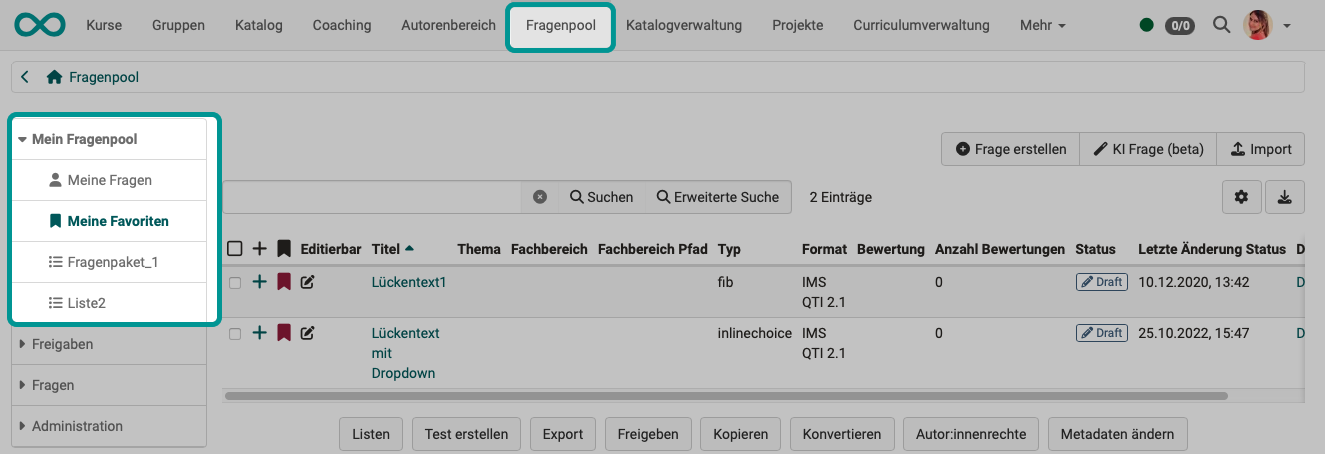
Under "My questions" you will find your own questions. You can mark the questions as favorites and group them in lists. Favorites and lists are two ways of sorting and organizing items.
Items that have been marked as favorites under "My questions" appear again under the menu item "My favorites". These are one and the same item. Changes in the "Favorites" are therefore also saved under "My questions".
If the review process is activated (authors review each other's questions), "My question bank" also shows your subjects. Depending on authorization, the menu also shows the areas "Review" and "Final".
Public shares
Pools and groups for exchanging questions are provided in the "Public shares" area. While favorites and lists are used for personal organization and sorting, the pools are the collection point for all shared items. Before an item is listed in a pool, it must either first be shared by the owner or imported directly into the corresponding pool.
The icon in front of each entry shows the type of share: stands for a pool, for a group that questions are shared with.
Administrators can deactivate lists, pools and groups in the system administration, so they may not be visible: Administration > e-Assessment > Question bank
Questions
The area "Questions" is shown to administrators and to question bank managers who have been given the right "see all questions and edit the metadata" in the system administration. In contrast to "My questions", it lists all questions of the question bank, including questions of other authors. The entries "Without subject" and "Without author" show questions that lack this information.
Questions can also be created with the help of AI, as multiple-choice questions and as essay questions with AI correction.
Individual questions, entire sections or tests can also be exported directly from the test editor to the pool. To do this, select in the toolbar of the test editor: Export > Export to pool. Depending on which level you are on in the menu tree on the left, either individual questions, individual sections or the entire test will be exported to the question bank.
The questions can be shared with other people who have access to the pool according to the configuration in the system administration.
This chapter explains how individual test questions, called items, can be created, edited and managed using the question bank. Each item contains not only the question and the corresponding answers, but also information about e.g. author, creation date, keywords, but also characteristic values for item analysis can be added.
Administration
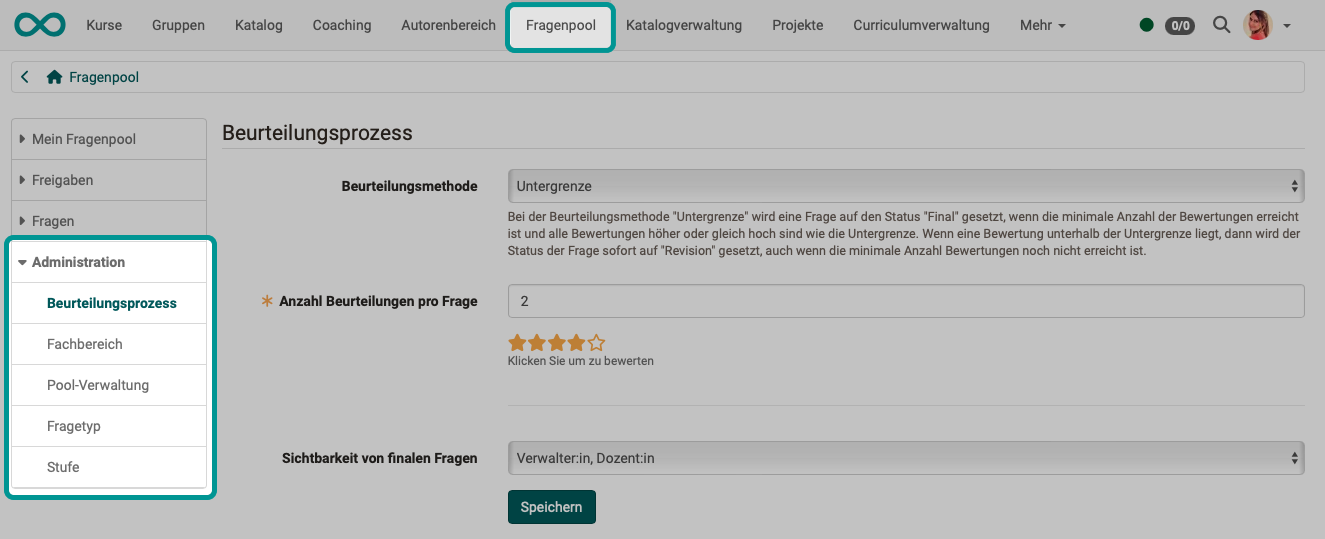
Question bank managers are also shown the Administration area of the question bank and have access to further specific configurations there.
See the details >
To the top of the page ^