Export content
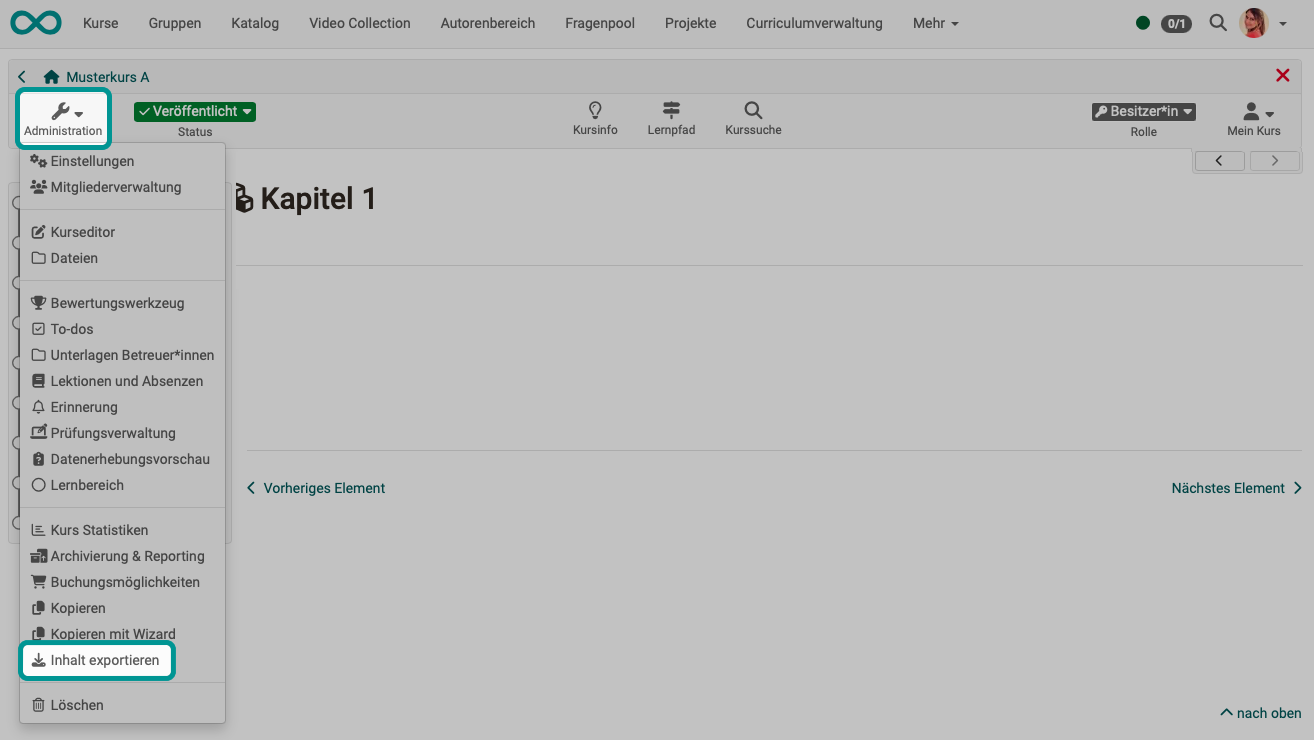
Export your learning resources as a ZIP file to keep a backup copy or to import the learning resource into another OpenOlat instance e.g. another educational institution for further use. Allowing a course copy for other authors is useful for course templates, for example.
As the owner of a learning resource, you can also determine in the administration menu under "Settings" → "Shared to other authors" whether your learning resource may be exported, copied or referenced by all other OpenOlat authors in the system. You can find further information here.