Analytics module
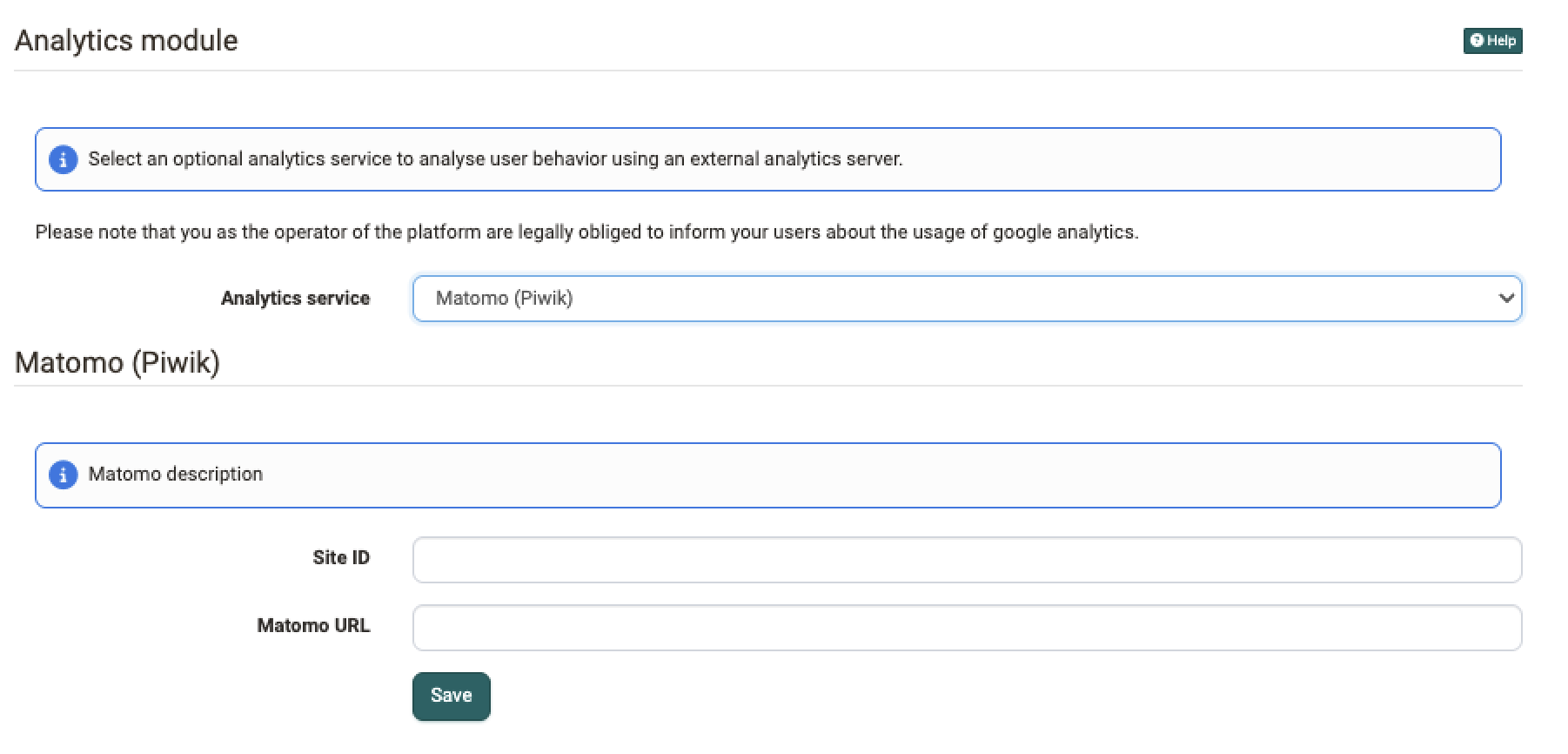
In OpenOlat the infrastructure to support external analytics tools is built. Therewith a detailed analysis of user behavior or the applied equipment while using OpenOlat is possible.
You activate the module in the system administration under:
Administration > External tools > Analytics
In the field "Analytics service" you select the service you want to use. Google Analytics and Matomo (Piwik) are available. With the setting "Disable analytics module" you switch the analysis off.
Important
As the operator of the platform you are obliged to inform your users about the usage of an analytics service.
Google Analytics
To use Google Analytics in OpenOlat a Google Analytics account is mandatory. In addition you must enter a so-called Tracking ID.
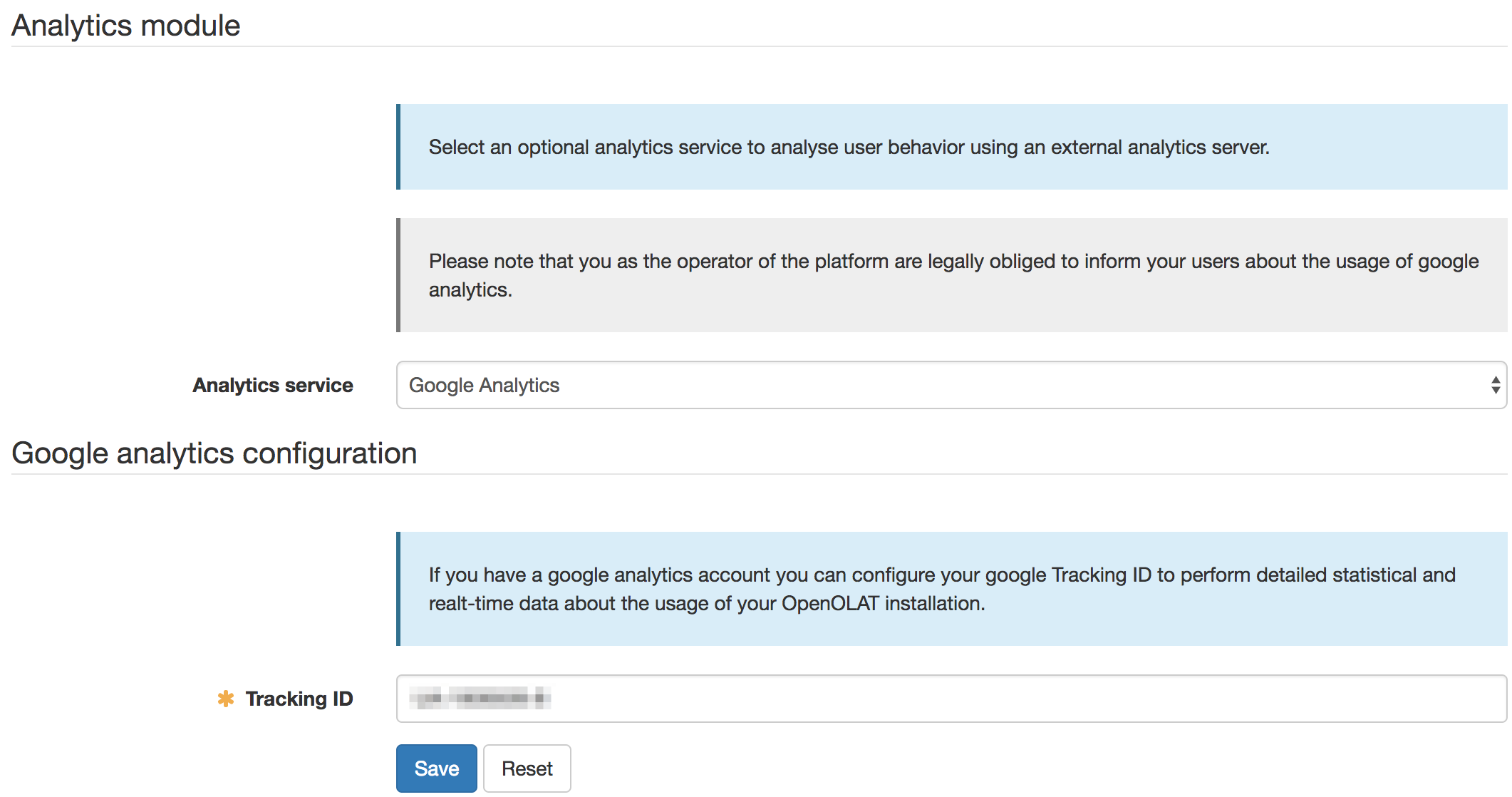
Once configured, Google Analytics will show for example
- where your users spend most of the time,
- which browsers they use,
- if they are on a smartphone.
It also offers "real-time" analysis.
Matomo (Piwik)
Matomo (Piwik) offers a range of functions comparable to Google Analytics and can be operated on your own server. The analysis data therefore stays in your own infrastructure.
For the configuration you enter two values:
- Site ID: the numeric ID of the website in your Matomo installation.
- Matomo URL: the address of your Matomo server.
OpenOlat automatically adds the configured Matomo URL as a trusted source to the Content Security Policy. An additional adjustment is not necessary.