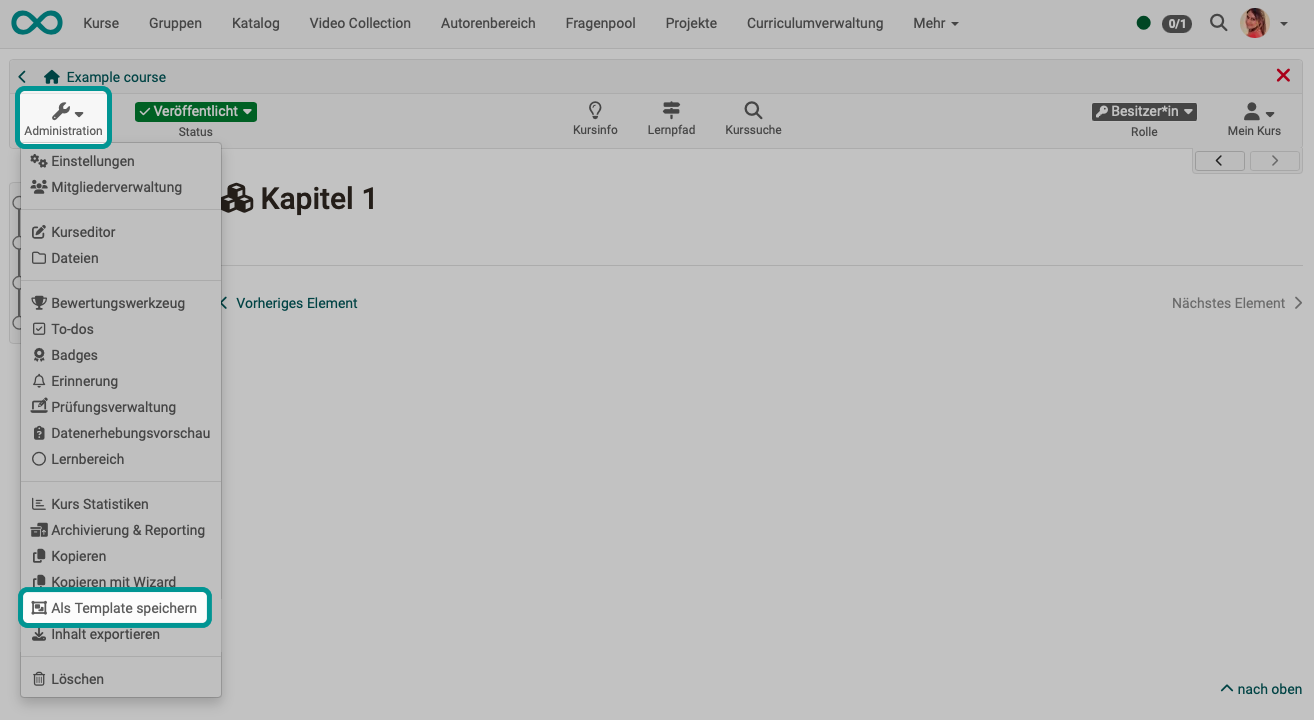
Save (a course) as template
If you want to create a template from an existing course, select Course > Administration > Save as template in the corresponding course. The existing course (regardless of its technical type) is then copied in a way that a template is created for instantiation.