Licenses
With a license, you state for files, questions, learning resources and media
how others may use them. Licenses are optional in OpenOlat. Administrators
configure them in the system administration under:
Administration > Core functions > Licenses
Activate licenses in areas
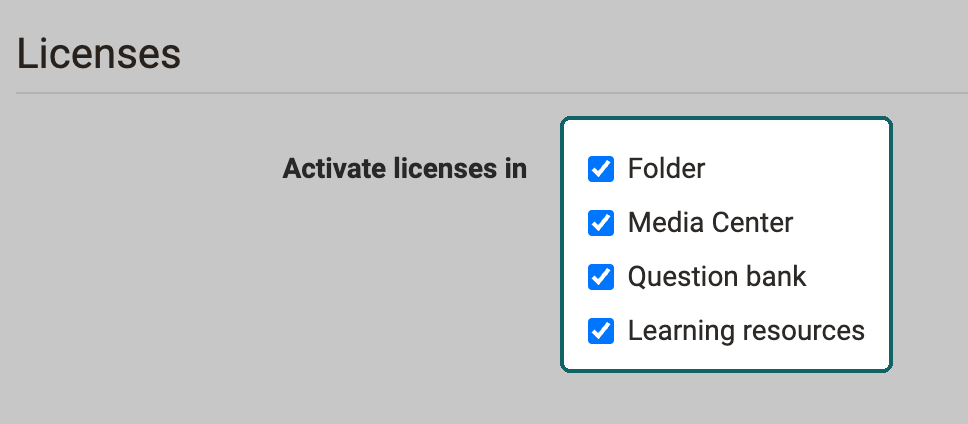
Licenses can be used in the following OpenOlat areas:
- Folder
- Media Center
- Question bank
- Learning resources
Under "Activate licenses in", you switch the licenses on or off per area. After each change, OpenOlat reminds you to start the full text search indexer so that the search results show the licenses correctly.
License types
OpenOlat provides 12 default license types: seven Creative Commons licenses (CC0, CC BY, CC BY-SA, CC BY-ND, CC BY-NC, CC BY-NC-SA, CC BY-NC-ND), "Public domain", "All rights reserved", "YouTube license", "Free text" and "No license". These default license types cannot be deleted. Information on Creative Commons can be found in the Wikipedia and on www.creativecommons.org. While the Creative Commons licenses all allow copying and redistributing a protected work, the "All rights reserved" license only permits use in the context intended by the author.
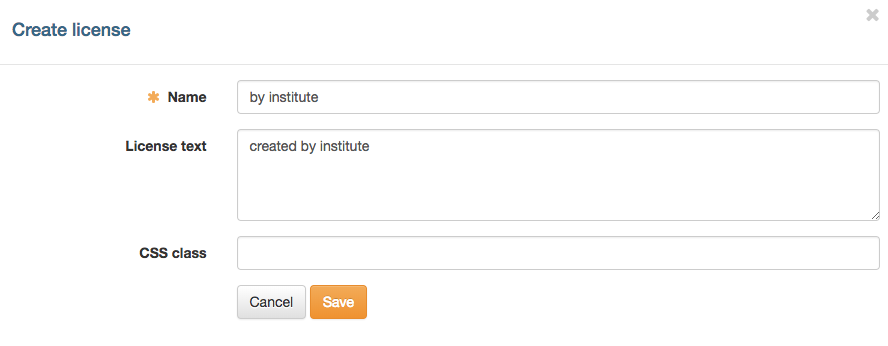
If the default license types are not sufficient, you create your own licenses. The button "Create license" opens a dialog with the fields "Name", "License text" and "CSS class". Own license types cannot be deleted.
The overview lists all available licenses. With the link in the column "Translation", you store the license name in another language.
The columns "Folder", "Media Center", "Question bank" and "Learning resources" only appear in the overview if the licenses are switched on for the respective area. In these columns, you switch individual license types on or off for each area.
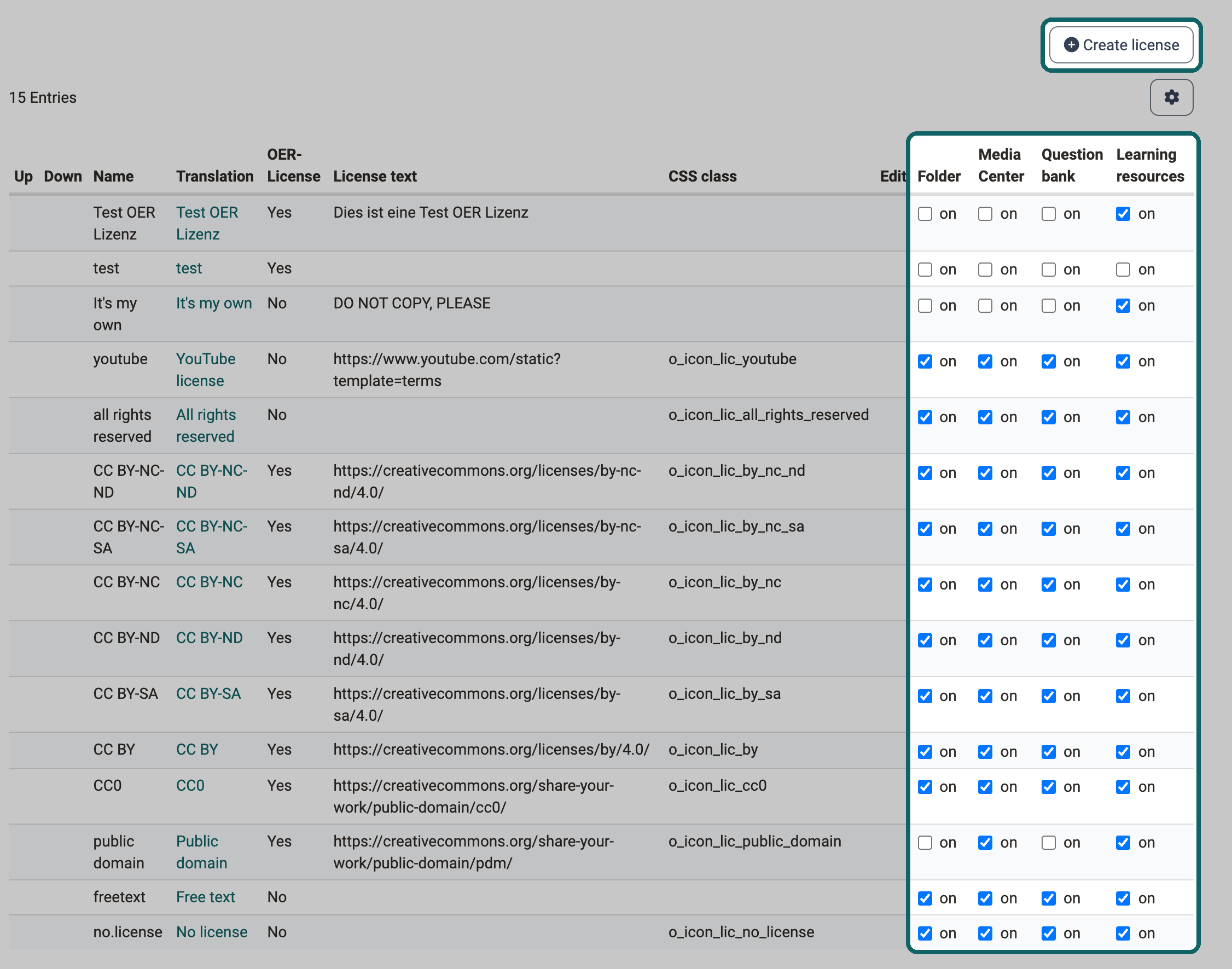
License types that qualify as Open Educational Resource carry an OER flag. Among the default license types, these are the seven Creative Commons licenses and "Public domain". For own licenses, you set the flag in the dialog "Create license" with the checkbox "Qualifies as OER License". The column "OER-License" of the overview shows the flag.
Set initial licenses
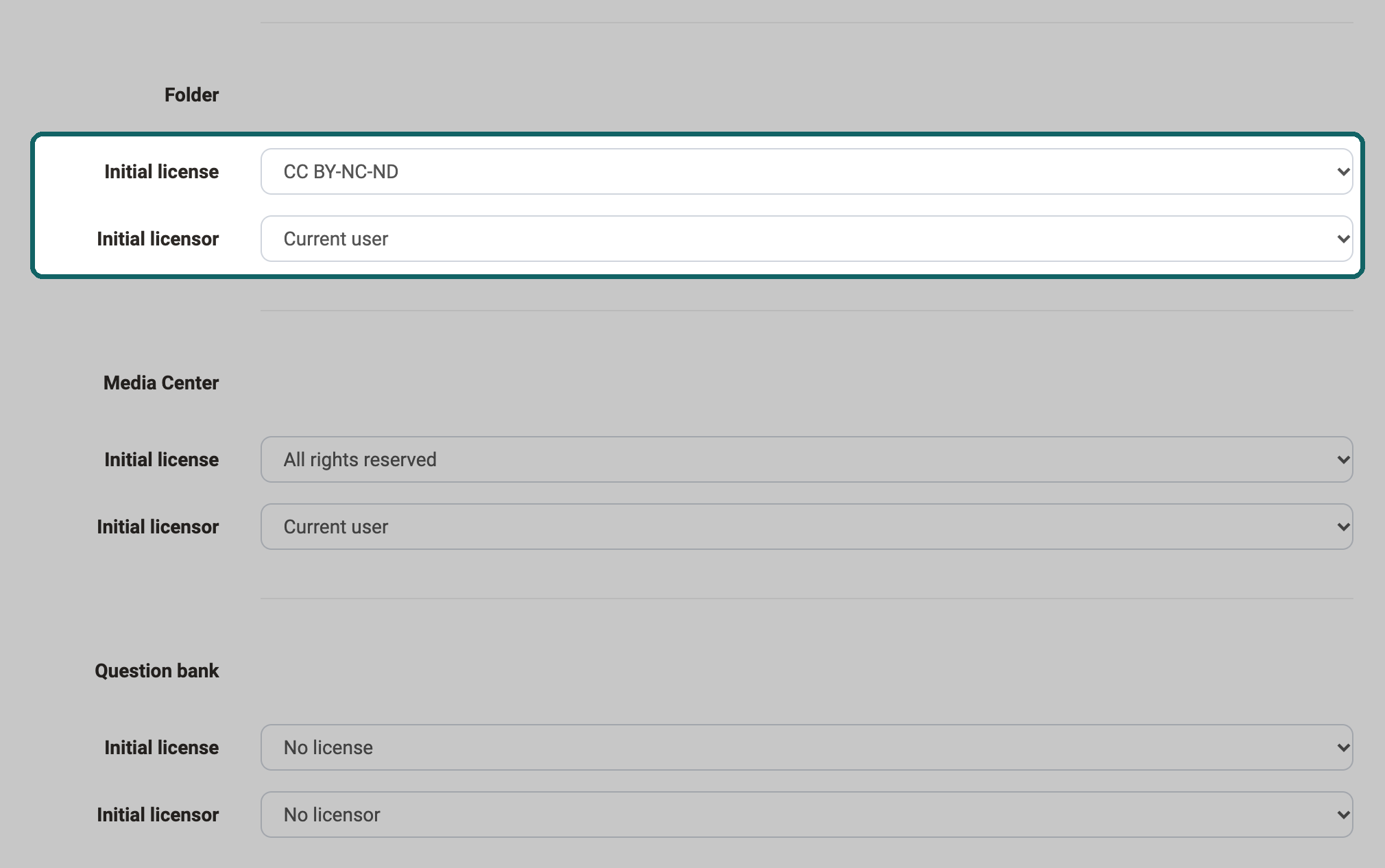
For the areas "Folder", "Media Center", "Question bank" and "Learning resources", you set an initial license and an initial licensor. The settings appear for each area in which licenses are switched on.
- Initial license: All licenses that are switched on for this area are available for selection.
- Initial licensor: "No licensor", "Current user" and "Constant licensor" are available for selection. If "Constant licensor" is selected, you enter the name with the button "Edit" in the dialog "Edit licensor".
When someone adds a new document to the course element Folder, a new question to the Question bank, a new learning resource in Authoring or a new medium in the Media Center, OpenOlat automatically assigns the stored license and the specified licensor.
Further information
Creative Commons in the Wikipedia >
www.creativecommons.org >
Module Media Center >
Files and Folders >
Module OAI-PMH >
Course Settings - Tab Metadata >